0:00
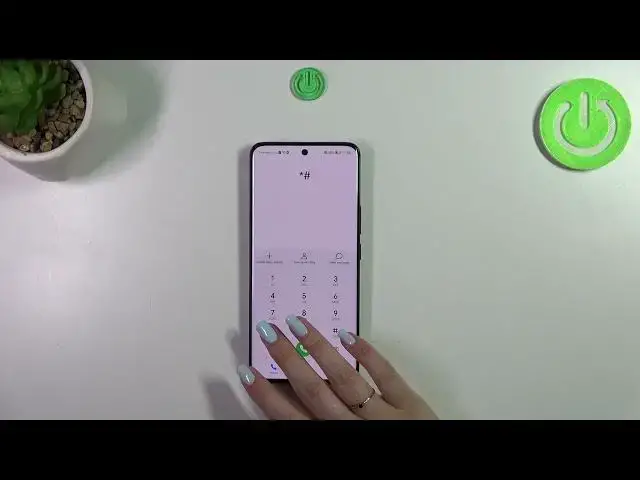
Hi everyone, in front of me I've got Honor 90 and let me share with you how to use secret codes on this device
0:12
Before we will start, a quick disclaimer. I highly recommend to click in the link which is in the description box
0:18
because you will be transferred to our website where you can not only check some important information about the Honor
0:27
but also find those codes, they are listed and you will be able to, for example, copy them and paste them into the dialer
0:34
if you will forget them. Alright, let's start. So let's open the dialer and let me start with probably the most
0:41
known code. It is asterisk pound 06 pound. And as you can see, thanks to this code we are provided with both
0:49
humane numbers and a serial number of this device. Let's tap on OK and let me show you another code which will also
0:56
show you information about your device. It is asterisk pound, asterisk pound, four Os, pound, asterisk, pound, asterisk
1:08
And as I said, we are in the About phone so you can check the exact model of your device, the build number or the hardware version
1:16
Let's go back and let me show you another code which will open the calendar info. And the code is asterisk pound
1:23
asterisk pound, double two five, pound, asterisk, pound, asterisk. And as I said, we are in the calendar info so here we've got
1:32
all the events in one place. You can check some family events, some holidays in your country should also be right here
1:38
or events attached to your mail. So this is the best place to check the events because here they are grouped into particular sections
1:47
Let's go back and let me show you the last code for this video and for this device which is asterisk pound, asterisk pound
1:55
four two six, pound, asterisk, pound, asterisk. And here we've got the diagnostics so we can check the server host port and the time
2:04
connected. Then we can tap on events and check some further details. After tapping on the three dots icon, we can show advanced view
2:14
Just tap on it and tap on the status. And here we've got more information just like the heartbeat, last ping or HP algorithm
2:24
Alright, so that would be all. Thank you so much for watching. I hope that this video was helpful and if it was, please hit the subscribe
2:32
button and leave the thumbs up. Transcribed by https://otter.ai