0:00
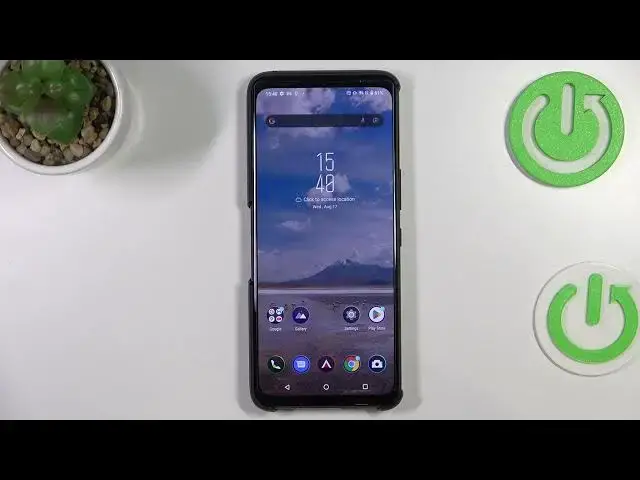
Hi everyone! In front of me I've got Asus ROG Phone 6 Pro and let me share with you
0:05
how to use secret codes on this device. So first of all let's open the dialer as it is the place where we can enter all
0:15
of those codes and let me begin with the shortest one and probably the most known
0:20
which is asterisk pound 06 pound. And as you can see by this code we are
0:26
provided with both email numbers and also a serial number attached to this
0:31
device. So let me tap on OK and let me show you another code which is actually
0:35
very similar to the previous one. There is only one difference and the code is
0:40
asterisk pound 07 pound. And as you can see thanks to this code we can check
0:45
the regulatory labels, we can check the exact model, the input, the head and the
0:50
body of our device and the SAR value. So let's get back and let me show you
0:56
another code which will open the phone info. And the code for it is asterisk
1:01
pound asterisk pound 4636 pound asterisk pound asterisk. And as you can see and as
1:10
I said we are in the testing mode so we can check the phone info, usage statistics and Wi-Fi info. So let me pick the phone info for example and I don't
1:18
know what happened. As you can see the SIM card is not installed so that's why
1:23
I cannot check the phone info. But trust me if you've got your your SIM card
1:29
inserted then for sure you will be able to check the phone info. So there you
1:33
will be for example and able to enable the data connection and so on and so on
1:40
So here we've got the usage statistics. Here we've got, here we should have at
1:46
least the list of the apps which which are installed on this device. We can sort
1:52
them by usage time, last time use or the app name. I have no idea what's going on
1:57
here. And we've got also the Wi-Fi info. Here we've got the API configuration or
2:02
the status. So let's for example pick the status. Let's refresh the stats and here
2:07
we can check the info like the Wi-Fi set for example, SSID or network ID
2:13
What's more you can run ping test here and the ping test is also available in the phone
2:20
info. This one. That's all for this code and let me show you another one
2:26
which will open the calendar info. And the code for it is
2:30
And as I said we are in the calendar info so here we've got all the
2:39
events in one place. We can check some family events, some holidays in your
2:43
country should also be right here or events attached to your mail. So this is
2:47
the best place to check the events because here they are grouped into
2:51
particular sections. Let's get back and let me show you the last code which will
2:56
open the diagnostics. And the code for it is And as I said we are in the diagnostics so here we can check the
3:08
server host for time connected and we can tap on events and here we've got
3:12
some further details. After tapping on the three dots icon and we can show
3:16
advanced view. Just mark this option and tap on the status again. And here we've
3:20
got much more info so here for example we can check the heartbeat, last ping or
3:24
HB algorithm. So basically that's all. This is how to use secret codes in your
3:30
Asus ROG Phone 6 Pro. Thank you so much for watching. I hope that this video was
3:35
helpful and if it was please hit the subscribe button and leave the thumbs up