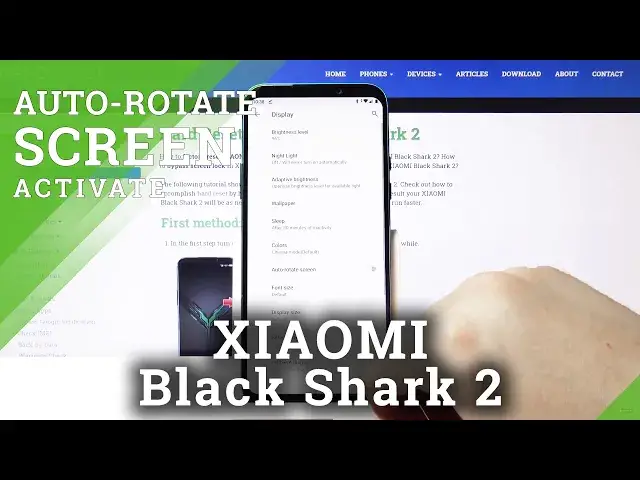

How to Use Rotate Screen in Xiaomi Black Shark 2 - Move Display
May 14, 2024

More details: https://www.hardreset.info/devices/oppo/oppo-a31-2020/
Let’s check out how to activate screen auto-rotation in Xiaomi Black Shark 2. Find out how to enable super useful accessibility settings. As only you turn it on, the screen automatically rotates when you move your device between portrait and landscape. Follow the steps presented in the video tutorial and with no further troubles activate the rotate the screen.
How to enable auto-rotation in Xiaomi Black Shark 2? How to use auto-rotation in Xiaomi Black Shark 2? How to unlock auto-rotation in Xiaomi Black Shark 2? How to set up auto-rotation in Xiaomi Black Shark 2? How to turn on auto-rotation in Xiaomi Black Shark 2? How to activate the rotate screen in Xiaomi Black Shark 2?
Follow us on Instagram ► https://www.instagram.com/hardreset.info/
Like us on Facebook ► https://www.facebook.com/hardresetinfo/
Tweet us on Twitter ► https://twitter.com/HardresetI/
Show More Show Less