0:00
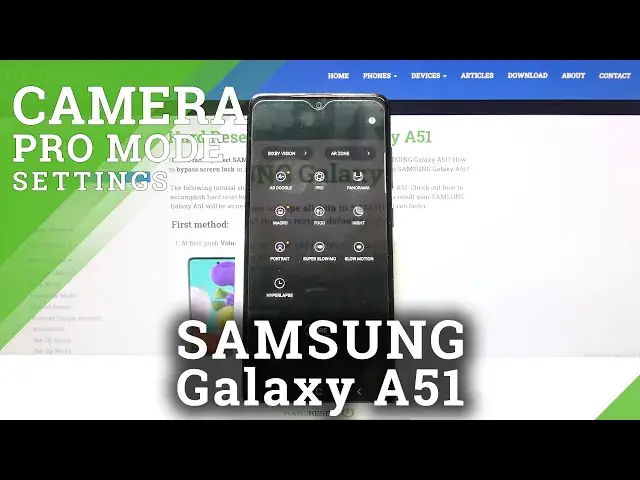
Welcome here I've got Samsung Galaxy A-51 and I'm going to show you how to use the camera pro mode at this device
0:12
So let's start by tapping on the camera button to open it and for now we are on standard photo mode
0:18
We have to change it by using this settings bar and just simply going to the right to more
0:23
Here we get access to more modes of this camera and one of them is the pro
0:27
So let's pick it. Now here we are, this mode gives us possibilities to choose some shooting parameters by ourselves
0:34
This is useful when we want to learn photographic skills or making experiments with photography
0:39
So let me start with this settings bar. Let's go from the left, the first one button, allow us to control the ISO
0:46
so the camera's sensitivity to light. By using this slider and going to the left we can make it less sensitive from 50
0:53
By going to the right we can make it more sensitive to 3 and 2,000 of it, so this screen
0:58
spectrum is really white like this kind of camera and it's really pro we can of
1:03
course easily go back to auto settings with ISO by tapping on this manual
1:08
button from the right now let's move to the next one option the shooter speed so
1:12
we can manage the time of taking picture by going to the left we can make it
1:17
shorter from 1 and 6 thousand of second and this should be definitely better to
1:22
objects for example in move to frozen them at the picture with a good light
1:27
By going to the right we can make our time much longer and the longest here is 10 seconds
1:32
This should be definitely better to objects that are stable We can of course easily go back to auto shooter speed by tapping again to manual button from the right so it changes to the auto
1:43
And let's move to the next one option, the exposure compensation. Here we can manage the light of our picture and as you can see we have different slider at the center
1:53
We are on zero parameter. By going to the right we can make our picture more bright
1:58
By going to the left we can make it more dark. And here I want to show you one extra thing
2:04
We can of course go back with exposure compensation to the center to zero parameter to auto settings
2:10
But let me try your attention again to these two parameters. The shooter speed and the ISO together are kind of exposure compensation also
2:19
So we can manage by using these two buttons also the light and the exposure compensation button is locked because we don't need it
2:27
So these two parameters are more professional managing of the light. But when we want to use the light managing in a simple way, we can use this button the third from the left
2:41
And now let's move to the next one option, the focusing. We are on AF from autofocus
2:46
By using this slider, we can change it to MF to manual focus and focusing manually by using this slider like that
2:55
And to go back to autofocus, we have to of course tap to the manual button to change it to the auto
3:00
Now let's move to the next one option, the white balance. Here we can manage the temperature of our picture in Kelvin degrees
3:07
So this is kind of balance between warm and cold tones of our photo By using the slider and going to the left we can make it more blue more cold By going to the right we can make it more warm more orange And of course to go back to auto settings with white balance let tap again to manual button
3:26
And here, now we have standard the last one option. When we tap on it, we get access to a few more parameters we can adjust at our picture
3:37
And this is really pro because usually they are adjusted after taking the
3:42
photo in graphic program here we can do it before so let's start we have the contrast we
3:47
can make our picture more contrasted or less contrasted by using this slider the next one is
3:53
highlights so we can adjust the parts of our photo that are in light and make it brighter or darker
4:03
and let's move to the center the shadows also the same by going to the right we can make our
4:09
photo more shadowed and less by going to the left The next one is saturation of colors so we can make more intensive colors to our picture or less to black and white
4:22
And the last one here is the tint, so kind of balance between the green and pink light
4:28
By going to the right we can make it more pink. By going to the left we can make it more green
4:34
So these are really pro parameters and when we tap to the center we automatically go back to this view
4:42
And I want to show you one extra thing. We don't have to separately go to the settings to auto
4:49
When we add just all of them manually and want to start using them for some reasons from the beginning we can slide a little bit to the left to get access to reset button and when we tap here all of this goes to the auto and we can start using them from the beginning
5:07
Now let's move to the right corner. We have one extra thing
5:11
The mattering of our picture we are in spot. We can pick also the matrix and the center weighted
5:18
So let's stay on this one and now let me use all of this. parameters to take a picture so let's start with ISO maybe here the shooter speed here as I said
5:32
the exposure compensation is locked because I've used the ISO and the shooter speed and I've
5:37
just set the light by using these two parameters de-focusing I'm going to leave on auto because I don't
5:43
really have well conditions to take a picture here and the weight balance a little bit colder and now
5:50
Now let's move to the standard settings, let's adjust contrast to more
5:55
The highlights, maybe less, then shadows also more. And a little bit more saturated colors, maybe a little more green
6:08
To see my photo, we have to move to the left to the button that follows us straight to the gallery
6:13
And this is how it looks like. I suggest you to making experiments with all of these settings and just have a good fun
6:19
for watching subscribe by a channel and lift the thumbs up