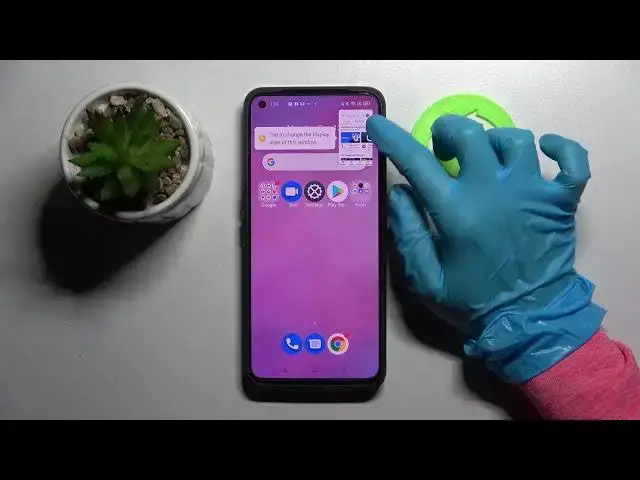

How to Use Apps in Pop Up Window on REALME GT Neo2 – Floating Screen Mode
Jul 4, 2024

Learn more about REALME GT Neo2
https://www.hardreset.info/devices/realme/realme-gt-neo2/
Would you like to know how to enable floating windows in the REALME GT Neo2? Open this guide and follow our instructions carefully. Using the floating window mode, we will show you how to run more than two applications at the same time. Do not skip this tutorial if you wish to simultaneously write messages on WhatsApp, use Chrome, and change the music to Spotify at the same time.
How to use apps in Pop Up Window on REALME GT Neo2? How to Open Apps in Pop Up View in REALME GT Neo2? How to Use Apps in Pop Up View in REALME GT Neo2? How to Open Apps in Pop Up View in REALME GT Neo2? How to Activate Floating Window in REALME GT Neo2? How to Activate Pop Up View in REALME GT Neo2? How to Activate Floating Window in REALME GT Neo2? How to enter pop-up view in REALME GT Neo2? How to find the Pop Up View option in REALME GT Neo2? How to Turn on floating screen mode in REALME GT Neo2?
#FloatingWindow #PopUpView #REALMEGTNeo2
Follow us on Instagram ► https://www.instagram.com/hardreset.info
Like us on Facebook ► https://www.facebook.com/hardresetinfo/
Tweet us on Twitter ► https://twitter.com/HardResetI
Support us on TikTok ► https://www.tiktok.com/@hardreset.info
Use Reset Guides for many popular Apps ► https://www.hardreset.info/apps/apps/
Show More Show Less