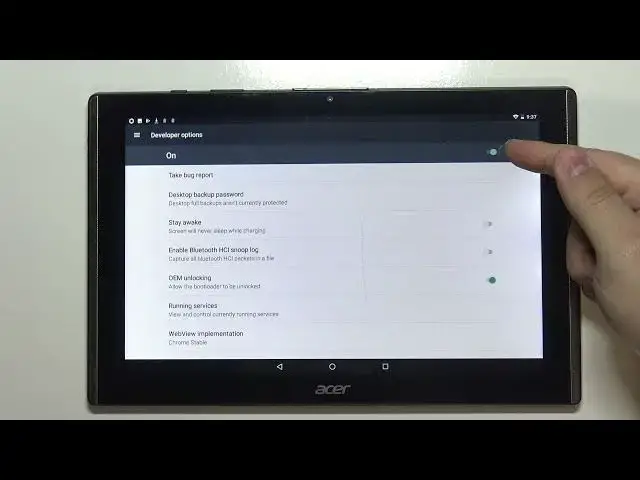

How to Unlock Developer Options on ACER B3-A40 Iconia One 10 - Activate Developer Features
Jul 9, 2024

Learn more about ACER B3-A40 Iconia One 10
https://www.hardreset.info/devices/acer/acer-b3-a40-iconia-one-10/
Here's what you should know about it regarding the developer features in ACER B3-A40 Iconia One 10. See the instructions for easy access to a screen called Developer Options, which allows you to configure system behavior. Besides, find an easy way to debug application performance, unlock USB debugging and enable OEM unlock. Follow the steps given and you will be able to enter developer functions on your ACER B3-A40 Iconia One 10.
How to unlock developer options on ACER B3-A40 Iconia One 10? How to unlock OEM on ACER B3-A40 Iconia One 10? How to enter developer options on ACER B3-A40 Iconia One 10? How to get access to the developer options on ACER B3-A40 Iconia One 10? How to activate developer options on ACER B3-A40 Iconia One 10?
#DeveloperOptions #HiddenFeatures #ACERB3A40IconiaOne10
Follow us on Instagram ► https://www.instagram.com/hardreset.info
Like us on Facebook ► https://www.facebook.com/hardresetinfo/
Tweet us on Twitter ► https://twitter.com/HardResetI
Support us on TikTok ► https://www.tiktok.com/@hardreset.info
Use Reset Guides for many popular Apps ► https://www.hardreset.info/apps/apps/
Show More Show Less