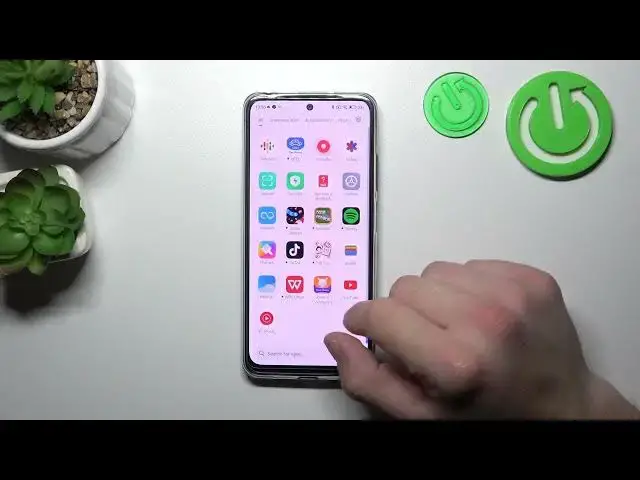

How to Unlink Cards from GPay Wallet on REDMI Note 12S
Aug 1, 2024

Learn more about the REDMI Note 12S: https://www.hardreset.info/devices/redmi/redmi-note-12s/tutorials/
In this YouTube video, we will guide you through the process of removing cards and passes from Google Wallet on your REDMI Note 12S. Whether you want to remove a credit card, loyalty card, or any other pass from your Google Wallet, we've got you covered. We will demonstrate the step-by-step process, starting from accessing the Google Wallet app on your device, navigating to the "Cards" or "Passes" section, and then selecting the specific card or pass you wish to remove. We will also provide tips and insights along the way to make the process as smooth as possible. Join us in this tutorial and learn how to easily remove cards and passes from Google Wallet on your REDMI Note 12S.
How to remove cards and passes from Google Wallet on REDMI Note 12S? How to delete cards from GPay on REDMI Note 12S? How to unbind passes from Google Wallet on REDMI Note 12S? How to manage Google Pay cards on REDMI Note 12S?
#REDMINote12S #GooglePay #XIAOMIWallet
Follow us on Instagram ► https://www.instagram.com/hardreset.info
Like us on Facebook ►
https://www.facebook.com/hardresetinfo/
Tweet us on Twitter ► https://twitter.com/HardResetI
Support us on TikTok ► https://www.tiktok.com/@hardreset.info
Use Reset Guides for many popular Apps ► https://www.hardreset.info/apps/apps/
Show More Show Less