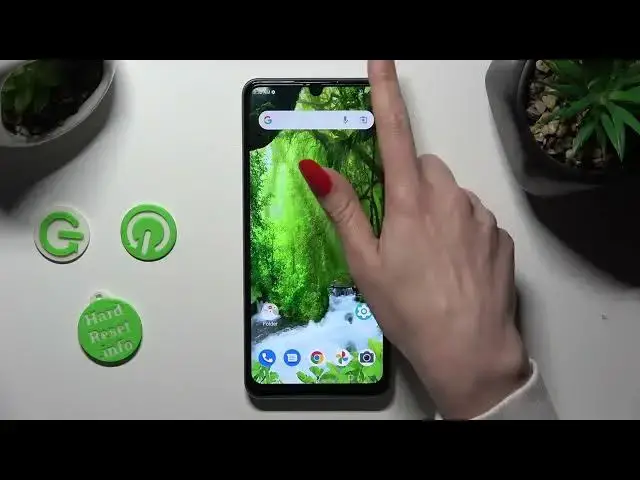

How to Turn On/Off Auto Brightness of ZTE Blade A72S - Allow Screen to Adjust Brightness
Mar 17, 2024

Click here if you want to read more about ZTE BLADE A72S: https://www.hardreset.info/devices/zte/zte-blade-a72s/tutorials/
If you want to stop your Screen from Changing Brightness on its own, we can help! Take your ZTE Blade A72S and carefully follow the directions from this guide. You'll learn where to find the Adaptive Brightness function and utilize it appropriately every day! When you turn off this option, your ZTE will no longer control the brightness level, but don't worry, we'll show you how to re-enable it as well. So, let's get started!
How to Use Auto-Brightness in ZTE Blade A72S? How to Enable Auto-Brightness in ZTE Blade A72S? How to Activate Auto Brightness in ZTE Blade A72S? How to Switch On Auto Brightness in ZTE Blade A72S?
#ZTEBladeA72S #ManageAdaptiveBrightness #DisplayBrightness
Follow us on Instagram ► https://www.instagram.com/hardreset.info
Like us on Facebook ► https://www.facebook.com/hardresetinfo/
Tweet us on Twitter ► https://twitter.com/HardResetI
Support us on TikTok ►https://tiktok.com/@hardreset.info
Use Reset Guides for many popular Apps ► https://www.hardreset.info/apps/apps/
Show More Show Less