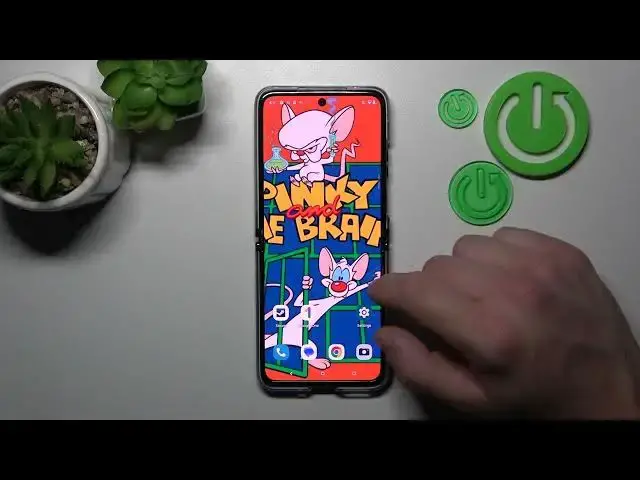

How to Turn On & Turn Off the App Drawer on MOTOROLA Razr 40 Ultra - Home Screen Layout
Mar 16, 2024

Learn more about the MOTOROLA Razr 40 Ultra: https://www.hardreset.info/devices/motorola/motorola-razr-40-ultra/tutorials/
Are you looking to customize the way your apps are organized on your MOTOROLA Razr 40 Ultra? In this YouTube video, we'll guide you through the process of enabling and disabling the app drawer on your device. Whether you prefer a clutter-free home screen or want to access all your apps from a centralized location, we've got you covered. Join us as we explore the device settings and demonstrate the step-by-step process to toggle the app drawer on and off. We'll discuss the benefits of each option and provide helpful tips along the way. Don't miss out on the opportunity to personalize your app organization - watch this video now and learn how to enable or disable the app drawer on your MOTOROLA Razr 40 Ultra effortlessly.
How to enable the app drawer on MOTOROLA Razr 40 Ultra? How to disable the app drawer on MOTOROLA Razr 40 Ultra? How to change the home screen type on MOTOROLA Razr 40 Ultra?
#MOTOROLARazr40Ultra #AppDrawer #MOTOROLAApps
Follow us on Instagram ► https://www.instagram.com/hardreset.info
Like us on Facebook ►
https://www.facebook.com/hardresetinfo/
Tweet us on Twitter ► https://twitter.com/HardResetI
Support us on TikTok ► https://www.tiktok.com/@hardreset.info
Use Reset Guides for many popular Apps ► https://www.hardreset.info/apps/apps/
Show More Show Less