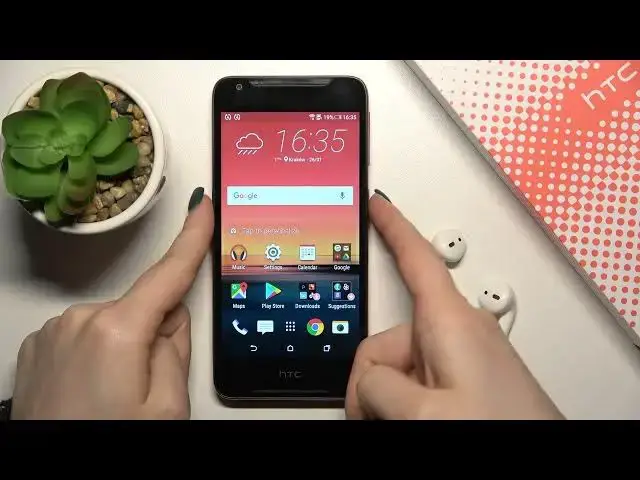

How to Turn On and Customize Always on Display using Muviz Edge App on HTC Desire 628 Dual Sim?
Apr 5, 2024

Get more info: https://www.hardreset.info/
To use the always-on display on HTC Desire 628 Dual Sim, you will need to use Muviz Edge App which can be downloaded and installed from Google Play Store for free. Then I will show you how to configure, adjust and customize to achieve the perfect effect. Give yourself a fantastic effect and premium feel while HTC Desire 628 Dual Sim, by turning on an always-on display.
How to enable always-on display on HTC Desire 628 Dual Sim?
How to turn on the Muviz app on HTC Desire 628 Dual Sim?
#MuvizEdgeApp #CustomizeAOD #HTCDesire628DualSim
Follow us on Instagram ► https://www.instagram.com/hardreset.info
Like us on Facebook ► https://www.facebook.com/hardresetinfo/
Tweet us on Twitter ► https://twitter.com/HardResetI
Support us on TikTok ► https://www.tiktok.com/@hardreset.info
Use Reset Guides for many popular Apps ► https://www.hardreset.info/apps/apps/
Show More Show Less