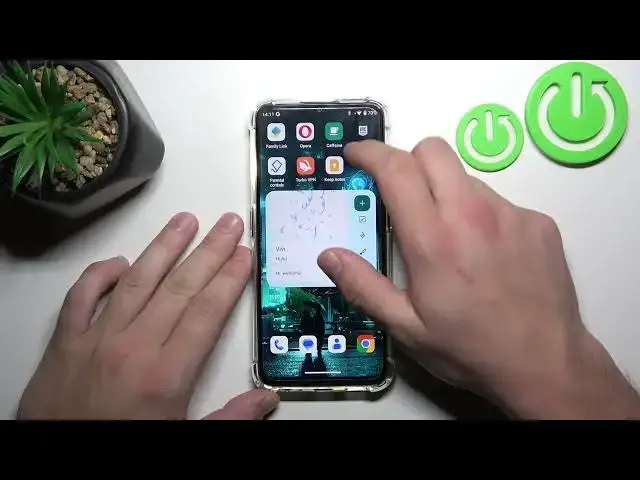

How to Turn Off Flashlight on OUKITEL C33 - Switch Off Torch
Mar 10, 2024

Check out more info about OUKITEL C33:
https://www.hardreset.info/devices/oukitel/oukitel-c33/
Not really sure how to disable the flashlight on OUKITEL C33? Do you wish ti get a possibility to deactivate the torch on OUKITEL C33? Come along with the attached instructions, where we teach you how to deactivate flashlight on OUKITEL C33. If you want to stop using the flashlight, follow the above instructions and use the control panel to turn off the torch on OUKITEL C33. Let’s use the video guide and without any problem, disable the flashlight on your Oukitel device. Visit our HardReset.info YT channel and discover many useful tutorials for OUKITEL C33.
How to deactivate flashlight on OUKITEL C33? How to disable flashlight on OUKITEL C33? How to turn off flashlight on OUKITEL C33? How to manage control panel options on OUKITEL C33? How to switch off flashlight on OUKITEL C33? How to get access to the control center on OUKITEL C33? How to stop using flashlight on OUKITEL C33? #Flashlight #Torch #OUKITEL #OUKITELC33
Follow us on Instagram ► https://www.instagram.com/hardreset.info
Like us on Facebook ► https://www.facebook.com/hardresetinfo/
Tweet us on Twitter ► https://twitter.com/HardResetI
Support us on TikTok ► https://www.tiktok.com/@hardreset.info
Use Reset Guides for many popular Apps ► https://www.hardreset.info/apps/apps/
Show More Show Less