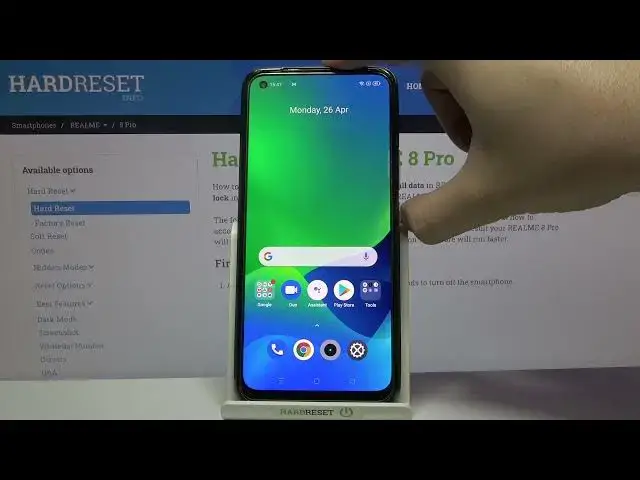

How to Turn Off Always On Display on REALME 8 Pro
Apr 21, 2024

Find out more info about REALME 8 Pro:
https://www.hardreset.info/devices/realme/realme-8-pro/
If you want to disable the Always On Display on your REALME 8 Pro, let's open the attached tutorial. It is not a problem to deactivate Always On Display in REALME, so don't worry, you will surely do it successfully. Our specialist is here for you and will show you step by step how to enter the Always On Display settings and how to disable this option. We would like to invite you to our YouTube channel where you will find more tutorials for your REALME 8 Pro.
How to Turn Off Always Off Display in REALME 8 Pro? How to Deactivate Always On Display in REALME 8 Pro? How to Switch Off Always On Display in REALME 8 Pro? How to Change Always on Display in REALME 8 Pro? How to Set Up Always on Display in REALME 8 Pro? How to disable Always on Display on REALME 8 Pro? How to turn off Always on Display Feature on REALME 8 Pro? How to deactivate always on display feature on REALME 8 Pro? How to hide a clock and notifications when REALME 8 Pro isn't in use?
#Fingerprint #TestFingerprintSensor #REALME8Pro
Follow us on Instagram ► https://www.instagram.com/hardreset.info
Like us on Facebook ► https://www.facebook.com/hardresetinfo/
Tweet us on Twitter ► https://twitter.com/HardResetI
Support us on TikTok ► https://www.tiktok.com/@hardreset.info
Use Reset Guides for many popular Apps ► https://www.hardreset.info/apps/apps/
Show More Show Less