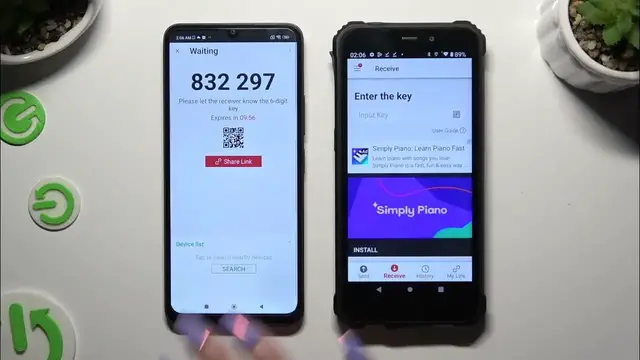

How to Transfer Files from Xiaomi to OUKITEL WP20 Effortlessly with Send Anywhere
Jan 17, 2024

Find out more: https://www.hardreset.info/devices/
Navigate the world of easy and efficient file transfers with our comprehensive guide on moving files from your Xiaomi device to an OUKITEL WP20 using Send Anywhere. This video is perfect for Xiaomi and OUKITEL users looking to share files swiftly and securely. We delve into the user-friendly interface of Send Anywhere, a powerful app that facilitates seamless wireless transfers. Whether you're transferring photos, videos, documents, or music, our guide simplifies the process, ensuring a smooth and trouble-free experience. Ideal for those who require a fast, reliable method for file sharing between devices, this video will walk you through every step, from installation to successful transfer. Join us to unlock the convenience of wire-free file sharing and enhance the functionality of your Xiaomi and OUKITEL WP20 devices.
#XiaomiToOUKITELTransfer
#SendAnywhereApp
#WirelessFileSharing
Relevant "How To" Questions:
How to download and set up Send Anywhere on Xiaomi and OUKITEL WP20 devices?
How to start a file transfer from a Xiaomi device to an OUKITEL WP20?
How to ensure secure file transfer using Send Anywhere?
How to resolve common issues during file transfer with Send Anywhere?
How to manage and organize transferred files on the OUKITEL WP20?
Follow us on Instagram ► https://www.instagram.com/hardreset.info
Like us on Facebook ► https://www.facebook.com/hardresetinfo/
Tweet us on Twitter ► https://twitter.com/HardResetI
Support us on TikTok ► https://www.tiktok.com/@hardreset.info
Use Reset Guides for many popular Apps ► https://www.hardreset.info/apps/apps/
Show More Show Less