0:00
Welcome, if you want to transfer data from Huawei smartphone to your Xiaomi Redmi Note
0:11
9 Pro, for the first you have to go for the Play Store and get the application to transfer data
0:17
So let's open the Play Store and you have to get this application name cloned
0:22
So click on install and of course you have to do the same on the second smartphone
0:28
And if you get it, just open it on both devices. Click here allow once and right now tap allow three times
0:39
Click on yes, I agree. And right now click sender on your Huawei phone and re-saver on your Xiaomi
0:48
Click on the allow all the time, tap on the set. Turn on location, go back and click re-saver one more time
0:56
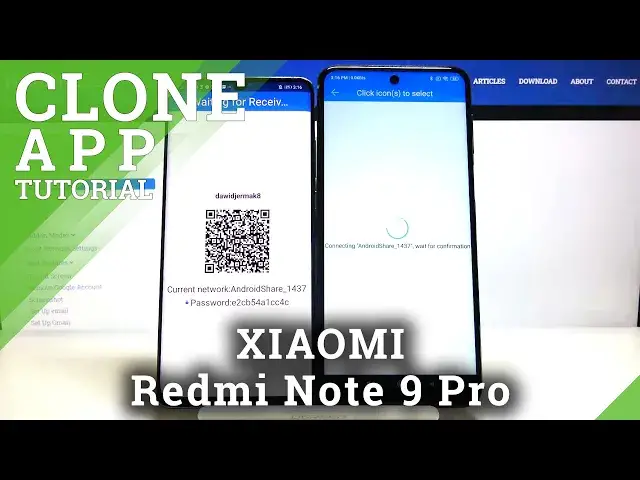
And use this search again button and right now we have to wait a little bit
1:03
Click on this Android share icon and we have two ways to connect
1:07
We can scan the QR code and also we can input the password manually
1:12
So we have to pick your way. I'm going to scan the QR code, so tap on it, click allow
1:19
And right now just grab your phone and put it the frame into the QR code
1:31
Accept the request. And right now if you want to send everything, just click on all of these icons
1:40
Now it is selected, so click start. But if you want to go for the details, maybe you want to take like some pictures or contacts
1:49
maybe songs, go here below and then just pick your thing. And I'm going to give you example on the songs
2:04
And maybe I'll send these two songs. Click on start, ok. And as you can see it's finished
2:11
So right now we can check how it works. Let's go for the file manager
2:23
Will probably be in the music. And yes, here it is. So this is how it works guys
2:28
Thank you for watching. Leave thumbs ups, comments and of course subscribe to our channel