0:00
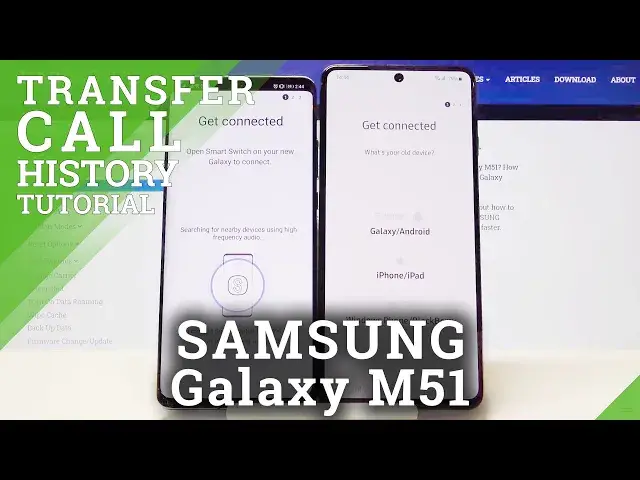
Welcome, if you want to transfer call logs from the Android smartphone to your Samsung
0:11
Galaxy M51, for the first you have to open the application to transfer data and we are
0:17
going to use this application Smart Switch from Samsung. So we can open it on the Samsung and on any other Samsung smartphone you will get this
0:26
application as default so we don't have to download, but in my case I got here the other
0:31
Android smartphone, there is the Huawei and here we have to get this application from
0:35
the Play Store. Here we get the full name of this app, so let's install
0:51
Right now we can open. We have to accept all of the permissions, so click allow all the time when it pops up
1:00
on your screen, click let's go, select the wireless and here tap to receive data
1:09
And right now smartphones are going to connect so we have to be patient
1:17
And right now we have to click here to unselect all things and to select the call logs you
1:24
have to click right here. Let me just enter here and just check what is inside
1:31
Ok so in this video I'm going to show you only how to transfer only the voice and the
1:37
video call history so we can unselect the contacts because we only want to send the
1:44
voice and the video call history. So click done. After that we have to scroll down, click transfer
1:52
I don't want to bring the Google account things so click close and right now I'm copying this
2:00
stuff so click here and we can go here and check if we got here any history of the calls
2:10
and yes here it is. So as you can see that's how you can transfer the call logs from the Android phone to your
2:16
Samsung Galaxy M51. Thank you guys for watching, leave thumbs ups, comments and subscribe to our channel