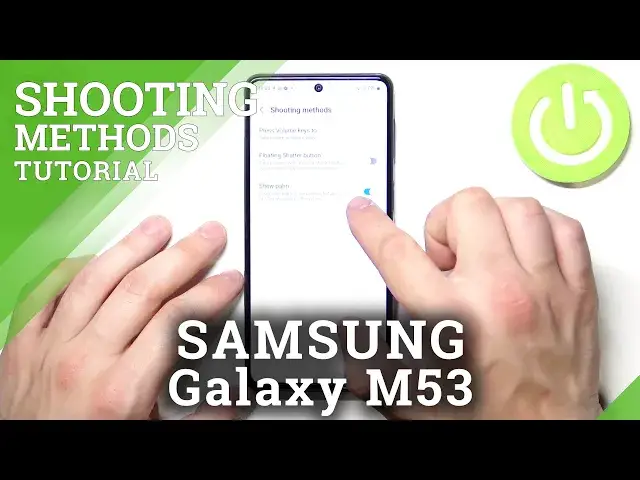

How to Take Selfie Using Palm on SAMSUNG Galaxy M53 - Shooting Method
Apr 5, 2024

Find out more info about SAMSUNG Galaxy M53:
https://www.hardreset.info/devices/samsung/samsung-galaxy-m53/
The SAMSUNG Galaxy M53 has a feature that makes it possible for you to take selfies without touching the camera's buttons - a very neat feature if you enjoy taking selfies. Sounds really amazing, right? In this video, we will show you how to open the camera's settings, and then how to turn on the special mode for taking photos with the palm of your hand. When you switch from the rear camera to the front camera, you just need to show your palm to take a picture. Do you want to discover more about the camera in SAMSUNG Galaxy M53? Let's visit our YouTube channel!
How to Take Selfie with Palm on SAMSUNG Galaxy M53? How to Use Palm Gesture to Take Selfie on SAMSUNG Galaxy M53? How to Use Camera to Take Selfie with Palm Gesture on SAMSUNG Galaxy M53?
#PalmGesture #TakeSelfie #SAMSUNGGalaxyM53
Follow us on Instagram ► https://www.instagram.com/hardreset.info
Like us on Facebook ► https://www.facebook.com/hardresetinfo/
Tweet us on Twitter ► https://twitter.com/HardResetI
Support us on TikTok ► https://www.tiktok.com/@hardreset.info
Use Reset Guides for many popular Apps ► https://www.hardreset.info/apps/apps
Show More Show Less