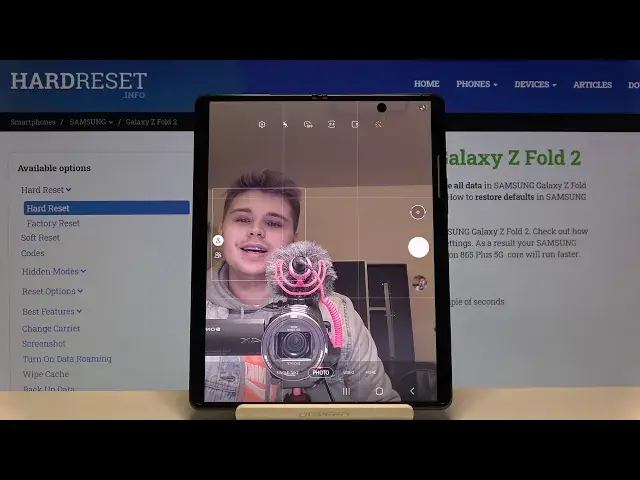

How to Take Selfie by Showing Palm of Hand in Samsung Galaxy Z Fold 2 – Camera Shooting Methods
Apr 26, 2024

Check out more info about Samsung Galaxy Z Fold 2: https://www.hardreset.info/devices/samsung/samsung-galaxy-z-fold-2/
In this guide, we would like to show you how to Enable and Use an awesome Camera Feature on your Samsung Galaxy Z Fold 2 called Palm Show! After Enabling it, and turning on Front Camera, all you need to do is show Palm of your Hand, after your camera will register it, after a couple of seconds photo will be taken automatically. So, if you can't make a perfect selfie while focusing on clicking a shutter, stay with us, follow all steps and enjoy taking amazing selfies. Let's begin!
How to Take Selfie by Showing Palm of Hand on SAMSUNG GALAXY Z FOLD 2? How to Locate Show Palm Feature in SAMSUNG GALAXY Z FOLD 2? How to Find the Show palm Option in SAMSUNG GALAXY Z FOLD 2? How to Enable Show palm Option in SAMSUNG GALAXY Z FOLD 2? How to Use Show Palm to Take Photo Feature on SAMSUNG GALAXY Z FOLD 2? How to Find Shooting methods in Camera Settings on SAMSUNG GALAXY Z FOLD 2?
Follow us on Instagram ► https://www.instagram.com/hardreset.info
Like us on Facebook ► https://www.facebook.com/hardresetinfo/
Tweet us on Twitter ► https://twitter.com/HardResetI
Show More Show Less