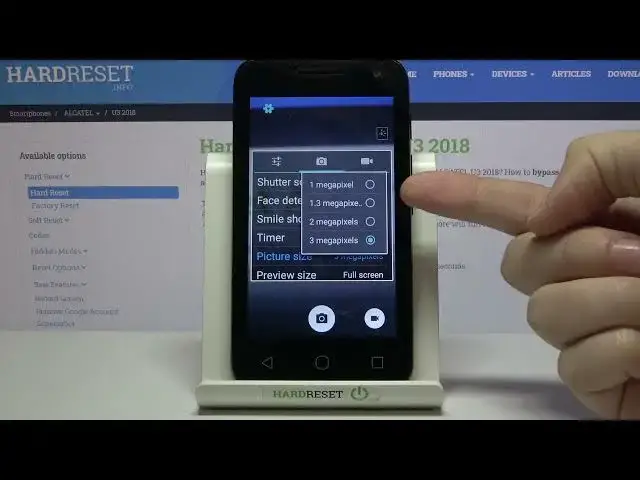

How to Take Burst Shots on ALCATEL U3 – Make Series Of Photos
Jul 11, 2024

Learn more info about ALCATEL U3:
https://www.hardreset.info/devices/alcatel/alcatel-u3-2018/
If you want to take a series of photos with the ALCATEL U3 camera, follow our instructions because we'll show you how. You will have to hold down the shooting button for a while - our specialist will show you how to do it. If you want to be sure that you will take the perfect photo, use this option, and one photo from the entire series will surely be one that will meet your requirements. Discover more camera options in ALCATEL U3 - go to our YouTube channel and watch more tutorials there.
How to take burst shot in ALCATEL U3? How to make burst shot in ALCATEL U3? How to manage burst shot in ALCATEL U3? How to use burst shot in ALCATEL U3? How to turn on burst shot in ALCATEL U3? How to turn off burst shot in ALCATEL U3? How to activate burst shot in ALCATEL U3? How to take a lot of pictures in ALCATEL U3? How to enter burst shot in ALCATEL U3? How to take photos in a row in ALCATEL U3?
#TakeBurstShot #BurstShot #ALCATELU3
Follow us on Instagram ► https://www.instagram.com/hardreset.info
Like us on Facebook ► https://www.facebook.com/hardresetinfo/
Tweet us on Twitter ► https://twitter.com/HardResetI
Support us on TikTok ► https://www.tiktok.com/@hardreset.info
Use Reset Guides for many popular Apps ► https://www.hardreset.info/apps/apps/
Show More Show Less