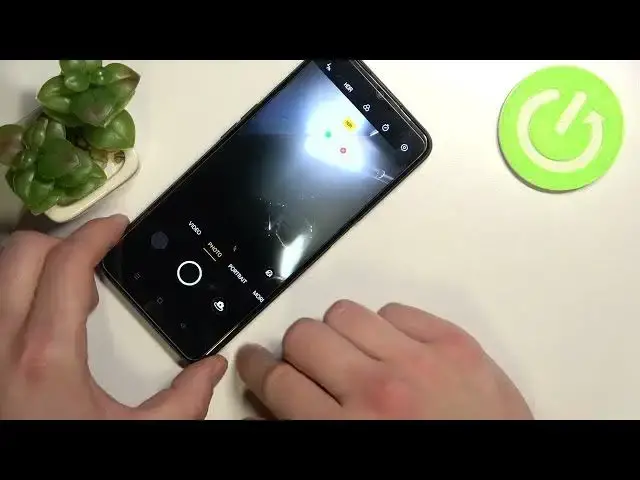

How to Take a Selfie using Palm Gesture in Oppo A16 - Choose Shooting Method
Jul 2, 2024

Find out more information Oppo A16: https://www.hardreset.info/devices/oppo/oppo-a16/
Did you know that you can Take a Selfie using Palm Gesture in Oppo A16? It's possible, because of Shooting Methods Settings. From there, you can pick a Palm Gesture method to use while taking photos with the front camera. After enabling it, you can show your hand to the camera instead of tapping the shutter, after showing it, the countdown will start and after a couple of seconds, the picture will be taken. So, if you want to access those settings and this feature, then just stick around, and let’s get started!
How to Take a Selfie by Showing a Palm of Hand on OPPO A16? How to Locate Show Palm Feature in OPPO A16? How to Find the Show palm Option in OPPO A16? How to Enable Show palm Option in OPPO A16? How to Use Show Palm to Take Photo Feature on OPPO A16? How to Find Shooting Methods in Camera Settings on OPPO A16?
#OppoA16 #TakeSelfieUsingPalmGesture #TakePictureUsingGesture
Follow us on Instagram ► https://www.instagram.com/hardreset.info
Like us on Facebook ► https://www.facebook.com/hardresetinfo/
Tweet us on Twitter ► https:g//twitter.com/HardResetI
Support us on TikTok ►https://tiktok.com/@hardreset.info
Use Reset Guides for many popular Apps ► https://www.hardreset.info/apps/apps/
Show More Show Less