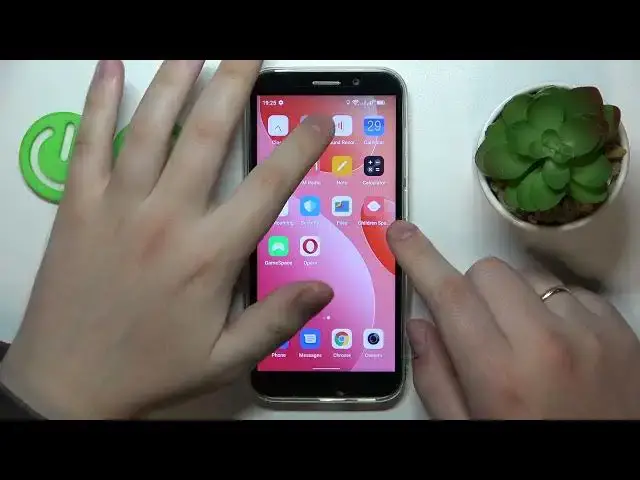

How to Switch SIM Card Preferences on DOOGEE X97 Pro? - SIM Preferences
Aug 1, 2024

Learn more about DOOGEE X97 Pro
https://www.hardreset.info/devices/doogee/doogee-x97-pro/tutorials/
Hey there! The following instruction will show you how to manage SIM Card preferences on your DOOGEE X97 Pro device. Firstly, you need to go to the Connection Settings and choose the SIM Manager option, where you can smoothly switch between added SIM Cards and select the current one you prefer. If you need more understandable and detailed instructions - it's waiting for you above.
How to switch SIM Preferences on DOOGEE X97 Pro?
How to change SIM Preferences on DOOGEE X97 Pro?
How to manage SIM Settings on DOOGEE X97 Pro?
How to find SIM Preferences on DOOGEE X97 Pro?
#SIM #SIMPreferences #DOOGEEX97Pro
Follow us on Instagram ► https://www.instagram.com/hardreset.info
Like us on Facebook ► https://www.facebook.com/hardresetinfo/
Tweet us on Twitter ► https://twitter.com/HardResetI
Support us on TikTok ► https://www.tiktok.com/@hardreset.info
Use Reset Guides for many popular Apps ► https://www.hardreset.info/apps/apps/
Show More Show Less