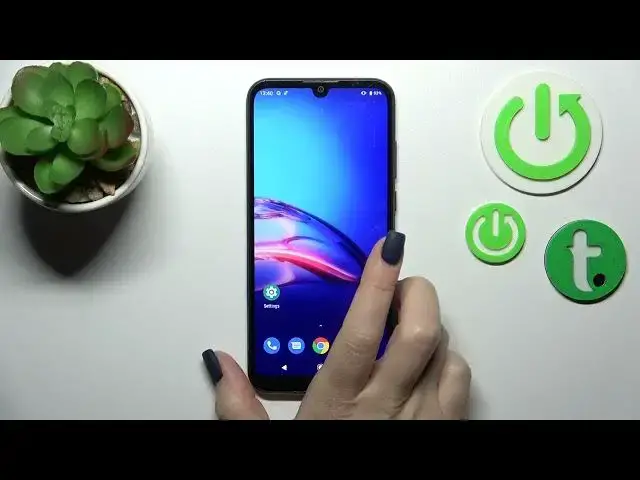

How to Switch On Torch in Motorola Moto E6S - Activate Flashlight
Mar 25, 2024

Find out more about MOTOROLA Moto E6S:
https://www.hardreset.info/devices/motorola/motorola-moto-e6s/tutorials/
Thanks to this short tutorial video you will learn how to activate the flashlight on Motorola Moto E6s smartphone. Check out how to open the quick access menu and switch on the torch any time you want to use it. This awesome feature allows you to see more in dark places so it is important to know how to quickly activate flashlight on Motorola Moto E6s device. Leave a like and subscribe to our Youtube channel to be always up to date with newest content.
How to activate flashlight on MOTOROLA Moto E6S? How to enable flashlight on MOTOROLA Moto E6S? How to use flashlight on MOTOROLA Moto E6S? How to manage top menu options on MOTOROLA Moto E6S? How to switch on flashlight on MOTOROLA Moto E6S? How to get access to the top menu on MOTOROLA Moto E6S? How to allow flashlight on MOTOROLA Moto E6S?
#ActivateFlashlight #SwitchOnTorch #MotorolaMotoE6s
Follow us on Instagram ► https://www.instagram.com/hardreset.info
Like us on Facebook ► https://www.facebook.com/hardresetinfo/
Tweet us on Twitter ► https://twitter.com/HardResetI
Support us on TikTok ►https://tiktok.com/@hardreset.info
Use Reset Guides for many popular Apps ► https://www.hardreset.info/apps/apps/
Show More Show Less