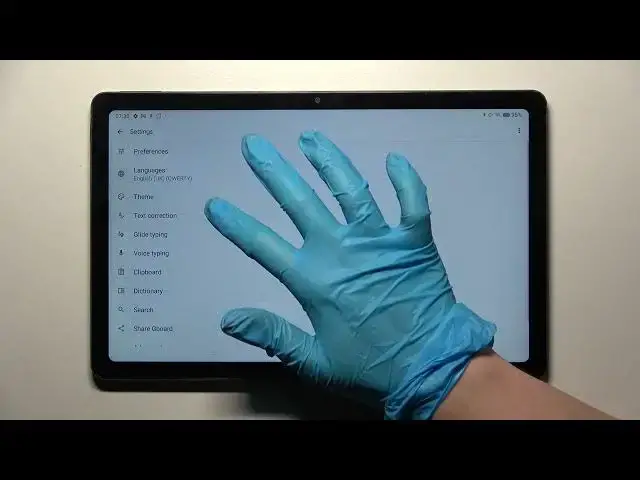

How to Switch On / Off Auto Correction Feature in Realme Pad - Manage Automatic Text Correction
Jul 4, 2024

Learn more information’s about Realme Pad: https://www.hardreset.info/devices/realme/realme-pad/
If you want to get rid of any typos while you use the keyboard of Realme Pad, then check out this tutorial! In it, we’ll show you how to Switch On or Off Auto Correction Feature, this way you'll be able to check out if this option is helpful for you. So, stay with us, follow all steps from the instructions above, and let’s begin!
How to Access Helpful Text Correction Options in REALME PAD? How to Use Text Correction Options in REALME PAD? How to Turn On Text Correction Option in REALME PAD? How to Turn Off Text Correction Option in REALME PAD? How to Switch from Autocorrection to Normal Keyboard in REALME PAD?
#RealmePad #AutoCorrectionFeature #AutomaticTextCorrection
Follow us on Instagram ► https://www.instagram.com/hardreset.info
Like us on Facebook ► https://www.facebook.com/hardresetinfo/
Tweet us on Twitter ► https://twitter.com/HardResetI
Support us on TikTok ►https://tiktok.com/@hardreset.info
Use Reset Guides for many popular Apps ► https://www.hardreset.info/apps/apps/
Show More Show Less