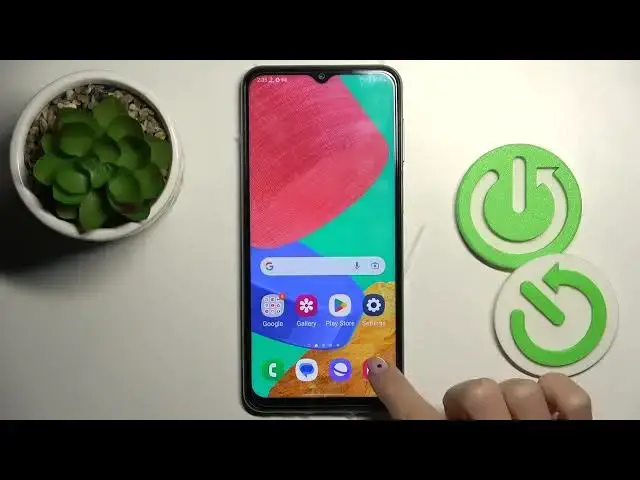

How to Switch Navigation Bar from Buttons to Gestures on SAMSUNG Galaxy M33?
Jul 25, 2024

Check out more: https://www.hardreset.info/
Hi there! Today we would like to present how to change the navigation type on SAMSUNG Galaxy M33. Our expert will take you to the system navigation. There you will be shown how to choose between gestures and 3-button navigation. Enjoy the video. If you want to know more about your Galaxy, visit our YouTube channel.
How to change the navigation type on SAMSUNG Galaxy M33?
How to access system navigation on SAMSUNG Galaxy M33?
How to choose gestures navigation on SAMSUNG Galaxy M33?
#ChangeNavigation #SystemNavigation #samsunggalaxym33
Follow us on Instagram ► https://www.instagram.com/hardreset.info
Like us on Facebook ► https://www.facebook.com/hardresetinfo/
Tweet us on Twitter ► https://twitter.com/HardResetI
Support us on TikTok ► https://www.tiktok.com/@hardreset.info
Use Reset Guides for many popular Apps ► https://www.hardreset.info/apps/apps/
Show More Show Less