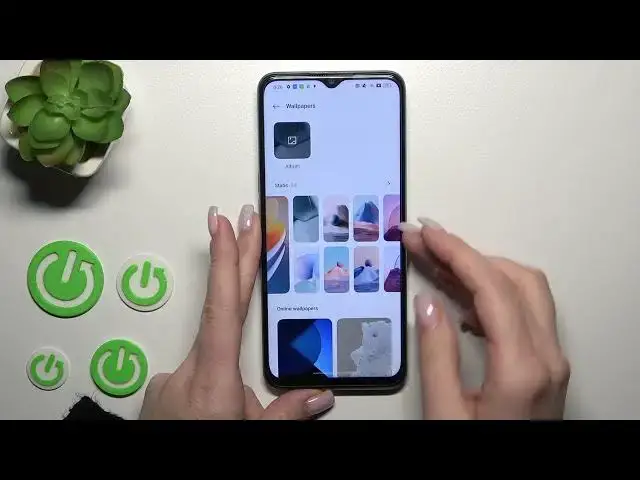

How to Switch Lock Screen Wallpaper on Oppo A57s – Personalize Lock Screen
Mar 25, 2024

Check more information about Oppo A57s:
https://www.hardreset.info/pl/devices/oppo/oppo-a57s/tutorials/
Hi there! One of the easiest and best way to customize your Oppo A57s in your own way - is to set your own Lock Screen Wallpaper. You can choose from those available on your Oppo A57s by default, or use a photo from your gallery, or download some unusual wallpaper using a third-party application. With a little diving into your Oppo A57s settings, you can set any image as the background for the Lock Screen and Home Screen together or separately. Follow our Expert's steps and we will show you how to set your best-loved image on Oppo A57s . For more information visit our HardReset.info YT channel and discover many useful tutorials for Oppo A57s.
How do I change Android Lock Screen?
How to Customize Lock Screen on Oppo A57s?
How to Change Lock Screen Image on Oppo A57s?
#ChangeScreenPicture #AndroidSettings #OppoA57s
Follow us on Instagram ► https://www.instagram.com/hardreset.info
Like us on Facebook ► https://www.facebook.com/hardresetinfo/
Tweet us on Twitter ► https://twitter.com/HardResetI
Support us on TikTok ► https://www.tiktok.com/@hardreset.info
Use Reset Guides for many popular Apps ► https://www.hardreset.info/apps/apps/
Show More Show Less