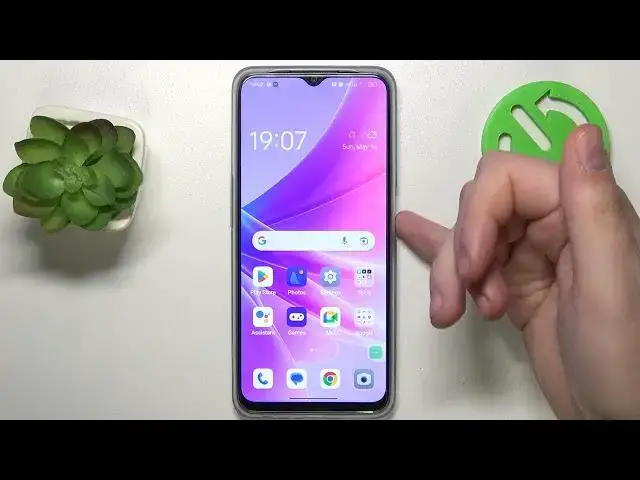

How to Stop Starting Emergency Calls by Pressing Power Button on Oppo Phone
Aug 1, 2024

More Oppo Phone and Devices Tips&Tricks: https://www.hardreset.info/devices/oppo/
Hello Tech Savvies! Welcome to another insightful video that goes beyond the everyday use of your Oppo phone. Today, we're exploring a crucial feature that could potentially be a lifesaver - making an emergency call from the power button on your Oppo phone.
In times of crisis, speed and ease of access can be paramount. Being able to make an emergency call quickly, without fumbling through multiple screens and apps, could be essential. Thankfully, Oppo phones come with a feature that allows you to do just that - make an emergency call by simply pressing the power button!
In this comprehensive guide, we explain the importance of this feature and how to effectively use it. We delve into the functionality of your Oppo phone's power button and its potential to become a quick trigger for emergency calls. We will cover all the necessary information you need to know to enable and use this feature effectively. By the end of this video, you'll have a deeper understanding of this vital tool and how to use it in potential emergency situations.
Remember, being prepared for any eventuality is an essential part of responsible tech usage, and we're here to help you every step of the way. So let's enhance our tech savviness and, in the process, make our devices safer and more useful than ever before.
Don't forget to subscribe and ring the bell to stay updated on all our helpful tech videos. If you have any questions or suggestions, drop a comment below. Your participation enriches our tech community!
#OppoEmergencyCall #SafetyFirst #OppoPowerButton
"How to set up emergency calling from the power button on your Oppo phone?"
"How to use the power button for emergency calls on your Oppo phone?"
"How to add emergency contacts on your Oppo device?"
"How to test the emergency call feature on your Oppo phone?"
"How to disable the power button emergency call feature if needed?"
Follow us on Instagram ► https://www.instagram.com/hardreset.info
Like us on Facebook ► https://www.facebook.com/hardresetinfo/
Tweet us on Twitter ► https://twitter.com/HardResetI
Support us on TikTok ► https://www.tiktok.com/@hardreset.info
Show More Show Less