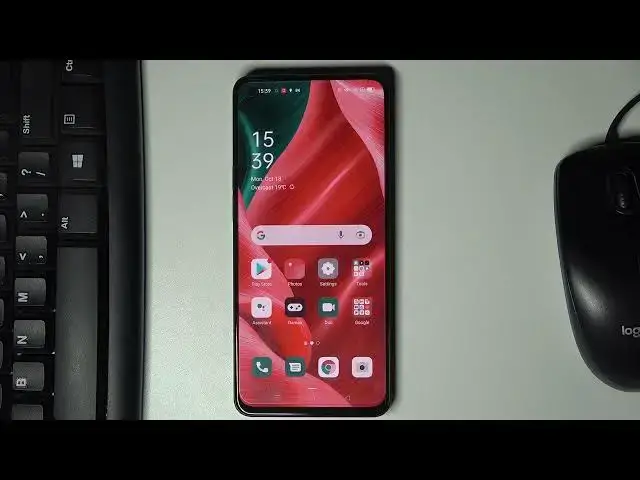

How to Simulate Colour Space on OPPO Reno 6 5G – Developer Options
Apr 11, 2024

Check more info about OPPO Reno 6 5G:
https://www.hardreset.info/devices/oppo/oppo-reno6-5g/
Hi there! In the attached video tutorial, we will show you a special option of OPPO Reno 6 5G - Simulate Colour Space. Through this video, you will find out where the developer settings are, and how to change the colours on the OPPO Reno 6 5G device display. So, if you want to see, how OPPO Reno 6 5G will look like in monochrome, deuteranomalous, protanomalous or tritanomalous colours follow our Expert steps. For more information visit our HardReset.info YT channel and discover many useful tutorials for OPPO Reno 6 5G.
How to Activate Simulate Colour Space on OPPO Reno 6 5G ?
How to Set Deuteranomaly Colours on OPPO Reno 6 5G Display?
How to Enable Developer Options on OPPO Reno 6 5G?
#SimulateColorSpace #ProtanomalyColours #DeuteranomalyColours
Follow us on Instagram ► https://www.instagram.com/hardreset.info
Like us on Facebook ► https://www.facebook.com/hardresetinfo/
Tweet us on Twitter ► https://twitter.com/HardResetI
Support us on TikTok ► https://www.tiktok.com/@hardreset.info
Use Reset Guides for many popular Apps ► https://www.hardreset.info/apps/apps/
Show More Show Less