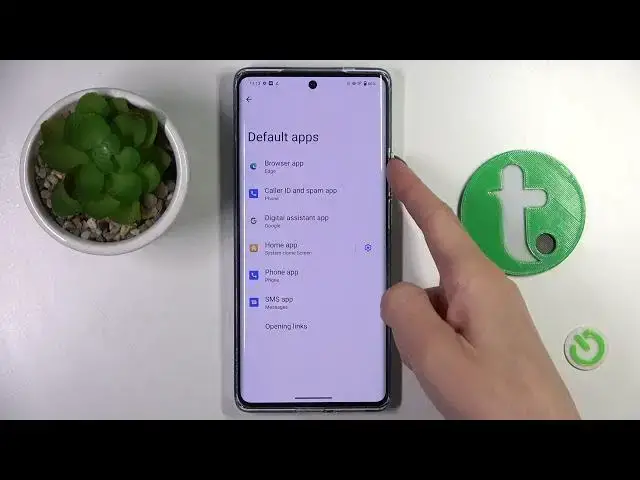

How to Set Up the Default Browser App on a VIVO X90 Pro
Mar 20, 2024

Learn more about the VIVO X90 Pro: https://www.hardreset.info/devices/vivo/vivo-x90-pro/tutorials/
Is your VIVO X90 Pro opening links in a browser that you don't prefer? Changing your default browser app can improve your browsing experience on your phone. In this tutorial video, we will show you how to manage your default browser app on your VIVO X90 Pro. We will guide you through the steps to locate the default app settings and change the browser app to your preferred choice. Once changed, all links and web pages will open in the browser of your choice. Follow our easy guide to customize your browsing experience and save time switching between apps. Let's get started!
How to manage the default browser app on a VIVO X90 Pro? How to change the default browsing app on a VIVO X90 Pro? How to modify the default app for browsing on a VIVO X90 Pro?
#VIVOX90Pro #DefaultBrowser #VIVOApps
Follow us on Instagram ► https://www.instagram.com/hardreset.info
Like us on Facebook ►
https://www.facebook.com/hardresetinfo/
Tweet us on Twitter ► https://twitter.com/HardResetI
Support us on TikTok ► https://www.tiktok.com/@hardreset.info
Use Reset Guides for many popular Apps ► https://www.hardreset.info/apps/apps/
Show More Show Less