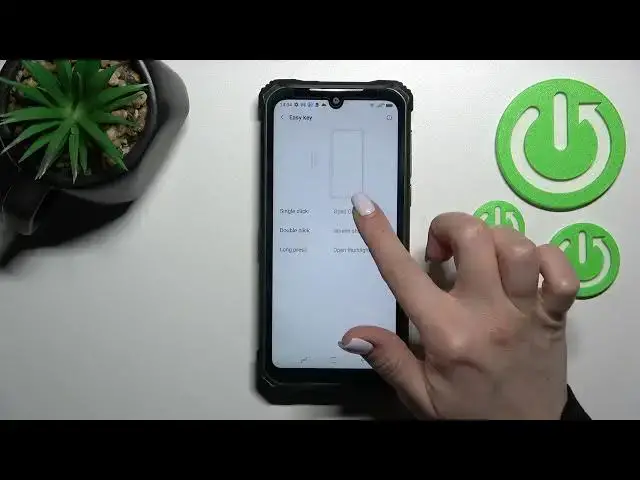

How to Set Up Quick Launch in DOOGEE S86 Pro – Customize Double Tap Side Keys
Apr 5, 2024

Learn more about DOOGEE S86 Pro
https://www.hardreset.info/devices/doogee/doogee-s86-pro/
For more on customizing your DOOGEE S86 Pro Side Keys, check out this tutorial. Our specialist will show you step by step how to change the application that is assigned to the quick launch in DOOGEE S86 Pro. Therefore, follow his instructions and complete your quick launch successfully. Double-press lets you launch Bixby, the camera, or your device quickly. Check out our YouTube channel for tutorials created by our specialists about your DOOGEE S86 Pro.
How to set up Quick Launch in DOOGEE S86 Pro? How to adjust Quick Launch in DOOGEE S86 Pro? How to customize quick launch in DOOGEE S86 Pro? How to customize double press on DOOGEE S86 Pro? How to set up double press on DOOGEE S86 Pro?
#QuickLaunch #SetUpQuickLaunch #DOOGEES86Pro
Follow us on Instagram ► https://www.instagram.com/hardreset.info
Like us on Facebook ► https://www.facebook.com/hardresetinfo/
Tweet us on Twitter ► https://twitter.com/HardResetI
Support us on TikTok ► https://www.tiktok.com/@hardreset.info
Use Reset Guides for many popular Apps ► https://www.hardreset.info/apps/apps/
Show More Show Less