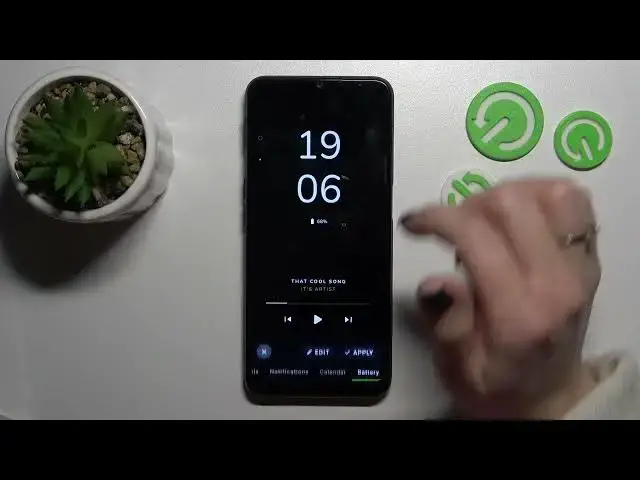

How to Set Up Customized Always on Display in OPPO A16S - Adjust AOD Perfectly
Mar 25, 2024

Check out more info about OPPO A16S: https://www.hardreset.info/devices/oppo/oppo-a16s/tutorials/
Today, we’ll love to show you how to Set Up Customized Always on Display in OPPO A16S! It’s possible thanks to the free Muviz Edge App, and in this video, our expert will show you how to access its Settings and customize it perfectly. So, if you wish to apply Always on Display background, manage Notifications visibility, and pick gadgets that you wish to see on your blank screen, like Clock, then stay with us. Let’s get started!
How to Customize Always on Display Theme in OPPO A16S? How to Set Up Theme of Always on Display in OPPO A16S? How to Change Theme in Always on Display on OPPO A16S? How to Set Up Customized Always on Display in OPPO A16S?
#OPPOA16S #MuvizEdgeApp #CustomAOD
Follow us on Instagram ► https://www.instagram.com/hardreset.info
Like us on Facebook ► https://www.facebook.com/hardresetinfo/
Tweet us on Twitter ► https://twitter.com/HardResetI
Support us on TikTok ►https://tiktok.com/@hardreset.info
Use Reset Guides for many popular Apps ► https://www.hardreset.info/apps/apps/
Show More Show Less