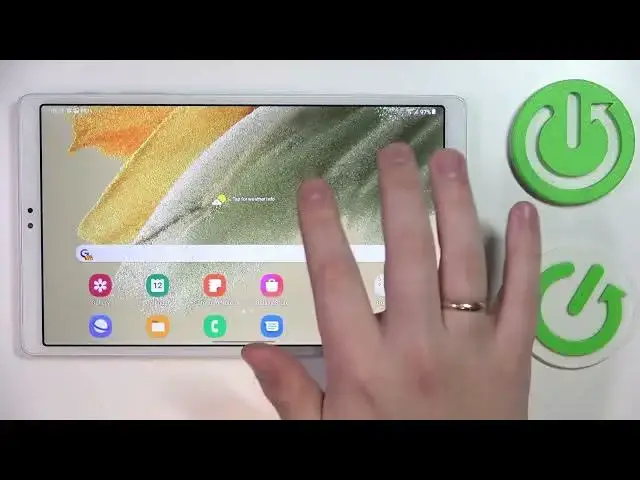

How to Set Up Chrome as Default Browser in Samsung Galaxy Tab A7 Lite - Apply New Browser
Jul 25, 2024

Find out more info about Samsung Galaxy Tab A7 Lite: https://www.hardreset.info/devices/samsung/samsung-galaxy-tab-a7-lite/tutorials/
Did you know that you don’t have to use System Browser on your tablet? That’s because in your App Settings, then is an option to choose a different Default Browser App, and in this video, we’ll show you exactly how to accomplish that with Chrome! Just give us a couple of minutes, and see for yourself how to Set Up Chrome as the Default Browser in Samsung Galaxy Tab A7 Lite. Let’s begin!
How to Change Default Apps in SAMSUNG GALAXY TAB A7 LITE? How to Set Chrome as Default App in SAMSUNG GALAXY TAB A7 LITE? How to Set Default Chrome Browser in SAMSUNG GALAXY TAB A7 LITE? How to Access Default Apps Settings in SAMSUNG GALAXY TAB A7 LITE?
#SamsungGalaxyTabA7Lite #SetUpChromeAsBrowser #ApplyNewBrowser
Follow us on Instagram ► https://www.instagram.com/hardreset.info
Like us on Facebook ► https://www.facebook.com/hardresetinfo/
Tweet us on Twitter ► https://twitter.com/HardResetI
Support us on TikTok ►https://tiktok.com/@hardreset.info
Use Reset Guides for many popular Apps ► https://www.hardreset.info/apps/apps/
Show More Show Less