0:00
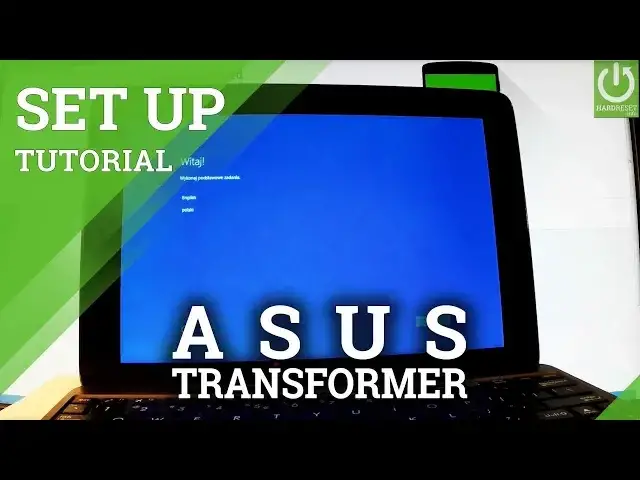
Here I have Asus Transformer Ebook T10.0 and let me show you how to accomplish activating
0:11
this tablet, so how to perform going through the initializing setup process on the following device
0:17
So as you can see, let's start from the welcome panel, here you have to choose your language
0:22
you can choose one of the installed languages, so in my case let me choose English and here
0:28
you can change some settings about region, you can for example change the country, this
0:33
is the full list of available countries, you can change preferred app language, change
0:39
keyboard layout and timezone. If everything is correct let's simply tap next right here, the device is applying these
0:47
settings, here is the legal stuff so you can read all terms and conditions to the following
0:53
device, if everything is alright let's choose accept right here, let's accept
0:58
Now you can connect your device to a Wi-Fi, it's not necessary but it's always good to
1:05
have internet connection, as you can see here you have skipped this step so if you would
1:10
like to bypass this step simply choose this button, if not let's connect your device
1:15
so let me connect to my Wi-Fi, to harddisk.info, the device is connecting
1:31
Excellent and now you can use express settings right here or customize, customize settings
1:37
are better if you would like change some settings, if you would like to use a default one let's
1:42
simply use express settings so let me do it. So the device is setting things up, let's wait a few seconds
1:49
Excellent, here you can create a Microsoft account if you wish or you can use your old
2:15
one or you can also bypass this step by choosing skip this step right here so let me do it
2:20
let me skip this step. Now you have to create an account for this PC, you have to input your username so in
2:28
my case let me choose hardreset and you can also create a password so you can also use
2:38
the password protection if you wish right here by using enter password, re-enter and
2:43
password here brackets, if not let's just tap next right here so let me choose next
3:06
You can use the following options if you wish, Cortana or you can bypass by choosing not
3:12
now, let me do it right here, not now
3:25
You can register your product by using the following options or you can choose next to
3:29
bypass this step so let me bypass this step
3:56
Excellent, as you can see the home screen of Windows just pops up so you can now easily
4:08
use your device, everything went well, you just activate your Asus tablet
4:12
Thank you for watching, please subscribe our channel and leave thumbs up under the video