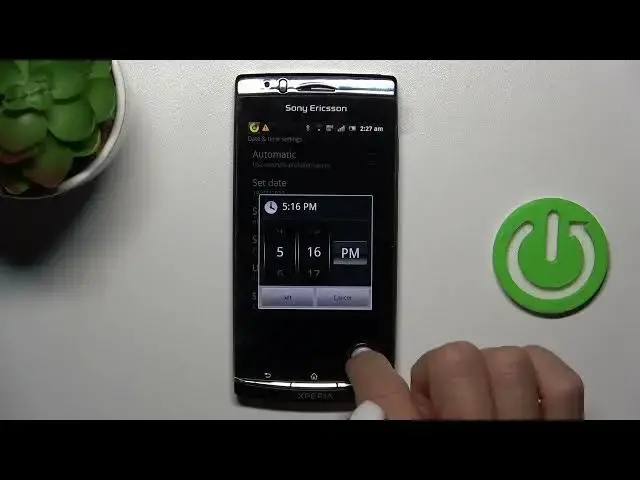

How to Set Time & Date Manually on a SONY ERICSSON Xperia Arc S
Aug 3, 2024

We invite you to visit our website and learn more about SONY ERICSSON Xperia Arc S: https://www.hardreset.info/devices/sony-ericsson/sony-ericsson-xperia-arc-s-lt18i/tutorials/
Keep your device in sync with your schedule! Learn how to change and adjust time and date settings on your SONY ERICSSON Xperia Arc S. Whether you're traveling to a different time zone or simply need to stay punctual, understanding these settings is crucial. In this step-by-step tutorial, we'll walk you through the process of setting the time and date to perfection. Don't let time slip away, take control of your Xperia Arc S now! Watch the video and make time management a breeze.
How to change the time on a SONY ERICSSON Xperia Arc S? How to modify the date on a SONY ERICSSON Xperia Arc S? How to adjust the time and date on a SONY ERICSSON Xperia Arc S?
#SONYERICSSONXperiaArcS #TimeAndDate #SONYSystem
Follow us on Instagram ► https://www.instagram.com/hardreset.info
Like us on Facebook ►
https://www.facebook.com/hardresetinfo/
Tweet us on Twitter ► https://twitter.com/HardResetI
Support us on TikTok ► https://www.tiktok.com/@hardreset.info
Use Reset Guides for many popular Apps ► https://www.hardreset.info/apps/apps/
Show More Show Less