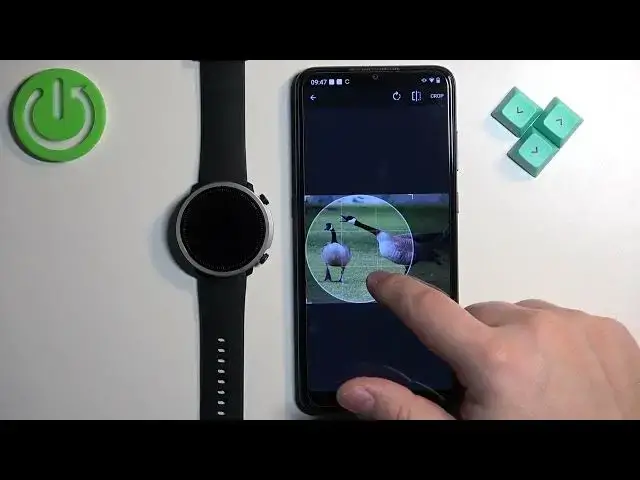

How To Set Image As Watch Face On Mibro Watch A1
Aug 6, 2024

Find out more : https://www.hardreset.info/
Add a personal touch to your Mibro Watch A1 by setting a custom image as your watch face! In this guide, we'll walk you through the steps to easily customize your watch face with a favorite photo or image. Whether it's a picture of your loved ones, a beautiful landscape, or your pet, this tutorial ensures you can carry it with you wherever you go.
How do I set a custom image as the watch face on my Mibro Watch A1?
What file types are supported for custom watch faces?
Can I use any image from my gallery as a watch face?
Is there a recommended image resolution or size for the watch face?
Can I customize other elements of the watch face, such as widgets or complications?
#mibro #smartwatch #smartwatches
Follow us on Instagram ► https://www.instagram.com/hardreset.info
Like us on Facebook ► https://www.facebook.com/hardresetinfo/
Tweet us on Twitter ► https://twitter.com/HardResetI
Support us on TikTok ► https://www.tiktok.com/@hardreset.info
Use Reset Guides for many popular Apps ► https://www.hardreset.info/apps/apps/
Show More Show Less