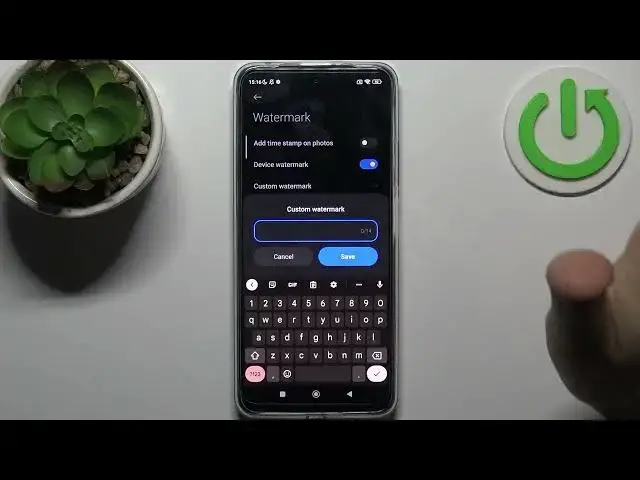

How to Set Custom Watermark on POCO X4 GT - Change Custom Watermark
Jun 29, 2024

Find out more info about POCO X4 GT:
https://www.hardreset.info/devices/poco/poco-x4-gt/tutorials/
Do you want to know how to create a custom watermark in POCO X4 GT? Just open this tutorial and find out how to add a watermark to photos in the POCO device. We will help you to set a custom watermark- you can set any text and it will be added to the photos. If you want, you can choose the default watermark template - device name or date and time of the photo as well. Visit our YouTube channel if you want to know more about your POCO X4 GT.
How to set a custom watermark on POCO X4 GT? How to adjust the watermark on POCO X4 GT? How to add a watermark to photos in POCO X4 GT?
#Watermark #AddWatermarkToPhoto #POCOX4GT
Follow us on Instagram ► https://www.instagram.com/hardreset.info
Like us on Facebook ► https://www.facebook.com/hardresetinfo/
Tweet us on Twitter ► https://twitter.com/HardResetI
Support us on TikTok ► https://www.tiktok.com/@hardreset.info
Use Reset Guides for many popular Apps ► https://www.hardreset.info/apps/apps/
Show More Show Less