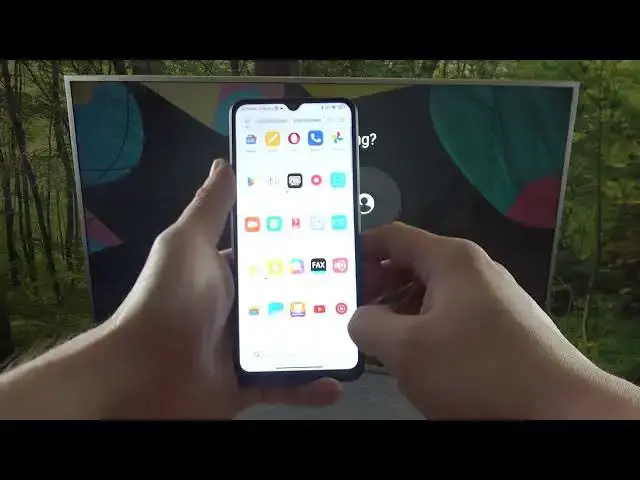

How to Screen Cast via YouTube on Xiaomi Redmi A1+ / Display YouTube on Your TV
Jul 28, 2024

You can find more tutorials for your Xiaomi Redmi A1 Plus smartphone on our website:
https://www.hardreset.info/devices/xiaomi/xiaomi-redmi-a1-plus/tutorials/
Welcome, viewers! Are you looking for an easy way to connect your Xiaomi Redmi A1+ to your TV and enjoy your favorite YouTube videos on a bigger screen? Look no further! In this video tutorial, we will show you how to cast your Xiaomi Redmi A1+ screen on your TV, enabling you to watch YouTube content on the big screen hassle-free. We will guide you step-by-step on how to activate the cast screen function on your Xiaomi Redmi A1+ and connect it to your TV. Don't miss out on the fun of watching YouTube videos on a bigger screen! If you like our videos, let us know your opinion in the comments section below and leave us your thumb to support us and, of course, subscribe to our channel. Have a wonderful day!
How to activate screen mirroring in Xiaomi Redmi A1+?
How to activate the cast screen in Xiaomi Redmi A1+?
How to enable the cast screen feature in Xiaomi Redmi A1+?
How to enable screen sharing in Xiaomi Redmi A1+?
#xiaomiredmia1plus #xiaomi #redmi #screencast
Follow us on Instagram ► https://www.instagram.com/hardreset.info
Like us on Facebook ► https://www.facebook.com/hardresetinfo/
Tweet us on Twitter ► https://twitter.com/HardResetI
Support us on TikTok ► https://www.tiktok.com/@hardreset.info
Use Reset Guides for many popular Apps ► https://www.hardreset.info/apps/apps/
Show More Show Less