0:00
This is Honor 70 and today we would like to demonstrate that you can scan and later transform a document into a PDA file on this device
0:11
So to begin with I would like to quickly explain how I will proceed with that task
0:15
So the quickest and the most convenient way to do that in my opinion is through using the Google Drive app
0:21
which you can get for free, well, basically any time from Play Store
0:27
Usually it comes pre-installed so you will not have to separately download it
0:32
but still, if you do not have it installed, just get it from the Play Store
0:37
After you did that, open the app, then tap on this plus sign over here at the bottom right corner
0:42
choose the scan option, grant Google Drive the camera access, then lay the document that you would like to scan in front of you
0:51
correctly place it inside the viewfinder, make sure that this document occupies the whole viewfinder available space
0:57
align it, make it straight, make it look pretty. Once you are ready to take a scan, slash take a photo, tap on the shutter button
1:06
then see what result you have gotten. If you are satisfied with that, just proceed, if not, retake the image by tapping on this cross sign
1:16
I am pretty much enjoying the scan that I have got, so I will go further with it
1:21
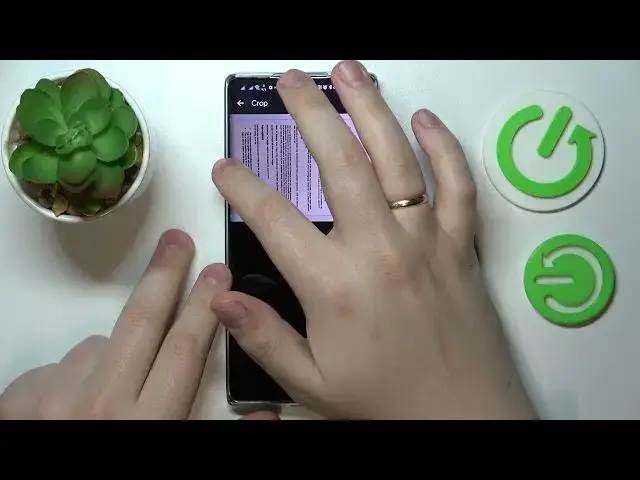
In here you can crop the scan, align it better if you need to, trim the edges a little bit
1:29
If needed, of course, it is not necessary. I will just quickly show how you can do that
1:37
I am not able to access this little dot, but whatever. That is the virtue of this phone having a folded or curved screen, should I rather say
1:50
Once you are ready to crop it, tap on the done button, then save
1:56
then rename the document if necessary, change the folder it will be saved to if necessary as well
2:03
and then tap on the save option. As you can see, this document gets successfully added to our Google Drive library
2:10
It became not only a perfectly decent scan, but a PDF file as well
2:17
Great success, I would assume, already. That would be it. Thanks for watching and bye-bye