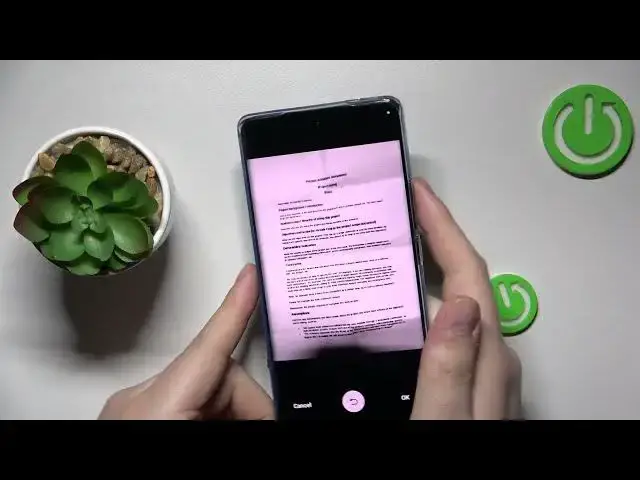

How to Scan a Document into a PDF File on a VIVO X90 Pro
Mar 19, 2024

Learn more about the VIVO X90 Pro: https://www.hardreset.info/devices/vivo/vivo-x90-pro/tutorials/
In this video, we will show you how to scan a real-life document into a PDF file using the Google Drive app on your VIVO X90 Pro smartphone. With this app, you can easily create digital copies of your physical documents without needing a separate scanner. We will guide you through the process step by step, so you can quickly capture a clear and high-quality scan of your document. We will also show you how to customize the scan settings, such as adjusting the color and resolution, and how to save the PDF file to your Google Drive or share it with others. By the end of this video, you will be able to use the Google Drive app on your VIVO X90 Pro to scan documents to PDF, making it easier to organize and store important information.
How to use the VIVO X90 Pro phone for scanning? How to scan a real life document on a VIVO X90 Pro? How to make a scan on a VIVO X90 Pro?
#VIVOX90Pro #Scan #VIVOFiles
Follow us on Instagram ► https://www.instagram.com/hardreset.info
Like us on Facebook ►
https://www.facebook.com/hardresetinfo/
Tweet us on Twitter ► https://twitter.com/HardResetI
Support us on TikTok ► https://www.tiktok.com/@hardreset.info
Use Reset Guides for many popular Apps ► https://www.hardreset.info/apps/apps/
Show More Show Less