0:00
Hi friends and we are happy that you are on our channel. Today we are going to talk more about
0:05
the Instagram application so let's go to the portion if you are interested in how to create
0:11
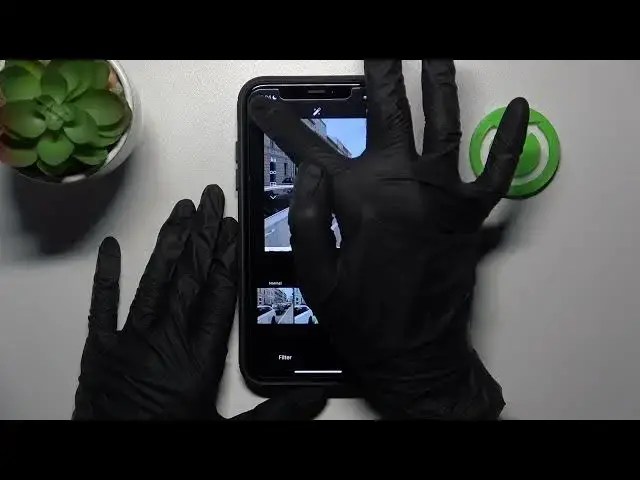
and use post drafts later. So let's get started. Now I will go to the Instagram app and as you can
0:23
see we are on our profile page. So I need to click on this plus icon at the top bar of the screen to
0:29
create a new post but I won't add it to my profile page but save it to the drafts
0:38
So I will choose the post option here and later I need to click on one of the images here as an
0:45
example. I will pick on this one and let's tap on the next button two times. Remember that you
0:55
don't need to pick on this share option because you will post it to your profile but you need
1:00
just to add some caption as an example and tap on the arrow here on the upper left corner two times
1:11
to add this post as a draft. As you can see here we have the second option like save draft
1:18
So in this way I will disable my post creation and refresh my profile page to show you how to
1:25
use these drafts later and how to get access to these drafts post. So when you have saved your
1:32
drafts your images let's pick on this plus icon and let's choose the post option as before but
1:42
we don't need to choose the same image from the gallery app as before but go to the draft section
1:48
here. Amazing and as you can see this is our image we have chosen this time. We have successfully
1:59
created a new post with this draft. Also you can switch out and choose another draft on your
2:05
account. This is our older one and pick on the next option to add this draft as a usual post
2:14
to your profile. You can also manage your and adjust your caption here and description adding
2:23
another one. I will tap I will add something like hi hi and click on the share option to add this
2:30
post to your profile page. We need to wait a minute before the uploading and go to check our result
2:40
and as you can see here we have our newly created image which was added as a draft before
2:48
So I hope that right now you know how to manage your drafts, create new drafts and add them later
2:55
I hope that you know more about this application Instagram but remember that on our channel you can
3:00
also find more interesting tutorials about this application and to get to know some new tricks
3:08
So don't forget to subscribe and check other guides. Have a nice day! Good luck