0:00
Hi friends and we are so happy to welcome you to our channel
0:03
Today we will show you how to download the selected Instagram reel without any troubles and
0:09
problems. Let's go to the watching. Of course this saved reel will be without any watermarks and some additional inscriptions so
0:21
you will have a clean video. How to do this? So we just need to open our Instagram app and
0:29
choose some reel as an example. I will click on this one and I just need to pick on this three
0:35
line, the three dots icon to copy link of the selected reel. Later let's go to the Chrome or
0:42
other browser but I don't like to use Safari right now because Safari needs some additional
0:48
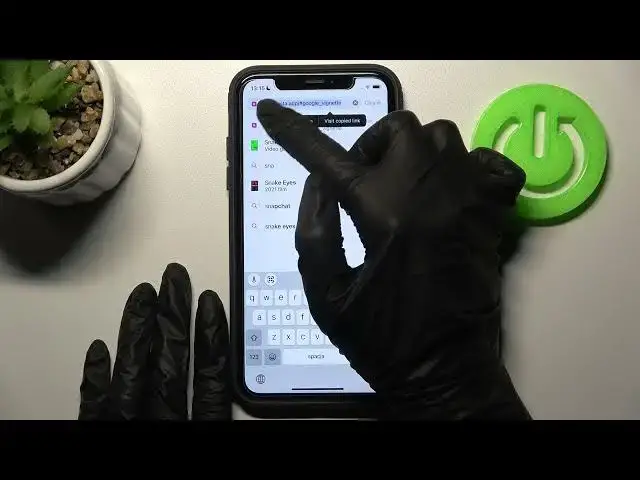
permissions and other settings. It's not interesting so let's pick on the search bar at the top
0:54
and later we need to set the name of... I'm sorry because we have our link here but so
1:03
the name of the Needful app is Snap Insta app. Let's set it Snap Insta app. I have this application
1:12
on my list because I found out this app before and I just need to click on it. As you can see this is
1:20
our Needful application, our Needful website and later let's swipe down our appearance
1:28
application to check all of the tutorials, to check all of the steps here and what we need right now
1:35
we just need to find the special bar here at the top to paste our... to paste our link. Later let's
1:45
pick on the download button all the side and wait a minute before the loading. Cross... okay
1:54
I'm sorry, close. So we just need to wait a minute later and as you can see here we have our selected
2:03
reel. Let's pick on the download video option here at the bottom and on the download option on the
2:11
notification which will appear on the bottom of the screen. Later I want to open it in... in downloads
2:22
and as you can see this is our reel. Let's tap on the play button to check it. It's really clean
2:30
video without any watermarks, without any additional inscription, the name of the user etc
2:36
So you can without any trouble save any video you like and you want from the Instagram app and
2:42
save it to your gallery and photos application on insta or on sorry on iPhone and also on Android
2:50
So guys don't forget about likes if this tutorial was interesting, useful and needful. Don't forget
2:56
to subscribe to our channel because here we will show you even more cool tricks
3:01
on Instagram and other apps and good luck! Bye-bye