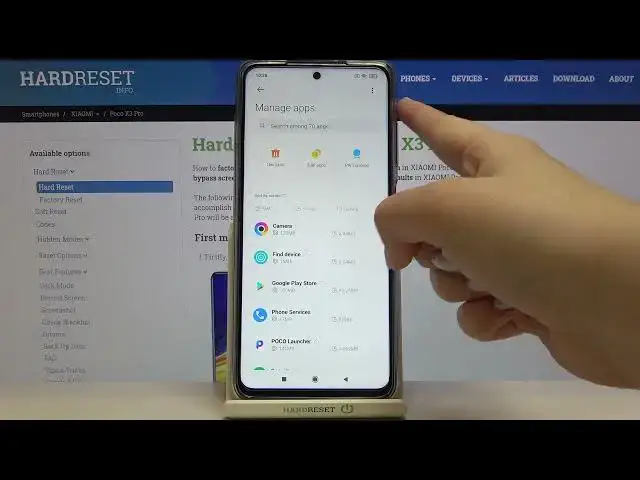

How to Restore App Preferences on POCO X3 Pro – Default App Preferences
Apr 20, 2024

More info about POCO X3 Pro:
https://www.hardreset.info/devices/xiaomi/xiaomi-poco-x3-pro/
Watch the video above to learn how you can quickly and easily reset the app preferences on your POCO X3 Pro. With the instructions provided by our expert, you will learn how to find the right settings that will help you reset the app preferences to factory settings. Check out our YouTube channel for more tutorials for your POCO X3 Pro.
How to restore default app preferences on POCO X3 Pro? How to restore app preferences on POCO X3 Pro? How to delete app preferences on POCO X3 Pro? How to clear app preferences on POCO X3 Pro? How to erase app preferences on POCO X3 Pro?
#RestorePreferences #AppResets #PocoX3Pro
Follow us on Instagram ► https://www.instagram.com/hardreset.info
Like us on Facebook ► https://www.facebook.com/hardresetinfo/
Tweet us on Twitter ► https://twitter.com/HardResetI
Support us on TikTok ► https://www.tiktok.com/@hardreset.info
Use Reset Guides for many popular Apps ► https://www.hardreset.info/apps/apps/
Show More Show Less