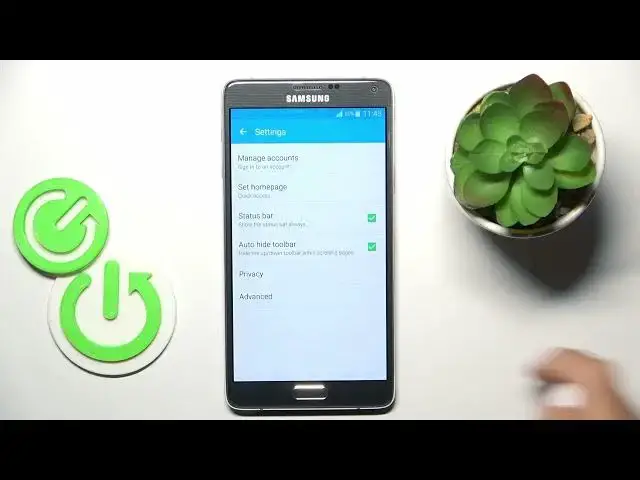

How to Reset Browser Settings on Samsung Galaxy Note 4 / How to restore browser defaults on Note 4
Aug 3, 2024

More info about your device you can find here: https://www.hardreset.info/devices/samsung/samsung-n910g-galaxy-note-4/tutorials/
This YouTube tutorial provides a step-by-step guide on how to reset the Internet browser settings on your Samsung Galaxy Note 4. Resetting the browser is useful for troubleshooting issues, improving performance, or wiping your activity before selling your device. In just a few taps, you can restore the Note 4 web browser to factory default settings.
How to Close Running Apps on Samsung Galaxy Note 4?
How to Stop Apps Running in the Background on Galaxy Note 4?
How to Quit Open Applications on Samsung Note 4?
#Samsung #GalaxyNote4 #CloseApps
Follow us on Instagram ► https://www.instagram.com/hardreset.info
Like us on Facebook ► https://www.facebook.com/hardresetinfo/
Tweet us on Twitter ► https://twitter.com/HardResetI
Support us on TikTok ► https://www.tiktok.com/@hardreset.info
Use Reset Guides for many popular Apps ► https://www.hardreset.info/apps/apps/
Show More Show Less