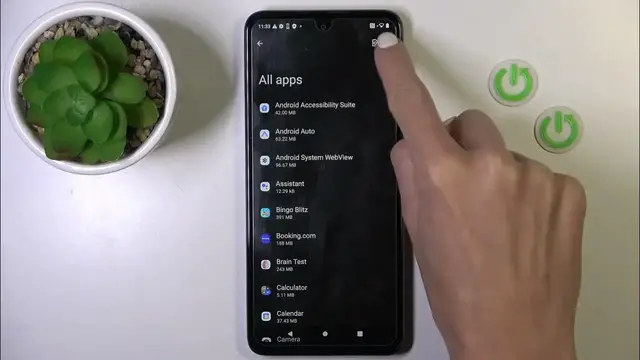

How to Reset App Preferences on Motorola Moto G54?
Jan 19, 2024

Find out more:
This tutorial is tailored for Motorola Moto G54 users and provides comprehensive guidance on how to reset app preferences on your smartphone. Resetting app preferences can resolve various app-related issues, improve performance, and customize your device settings. By the end of this tutorial, you will be proficient in resetting app preferences on your Motorola Moto G54, ensuring your apps work optimally and are configured to your liking.
Where can I find the option to reset app preferences on my Motorola Moto G54? Why would I want to reset app preferences, and what issues can it resolve? What exactly happens when I reset app preferences on my device? Will resetting app preferences affect my app data or settings? Are there any prerequisites for resetting app preferences, such as a PIN or password? How do I customize app preferences after a reset to suit my preferences? #ResetAppPreferences #RestoreAppDefaults #motorolamotog54
Follow us on Instagram ► https://www.instagram.com/hardreset.info
Like us on Facebook ► https://www.facebook.com/hardresetinfo/
Tweet us on Twitter ► https://twitter.com/HardResetI
Support us on TikTok ► https://www.tiktok.com/@hardreset.info
Use Reset Guides for many popular Apps ► https://www.hardreset.info/apps/apps/
Show More Show Less