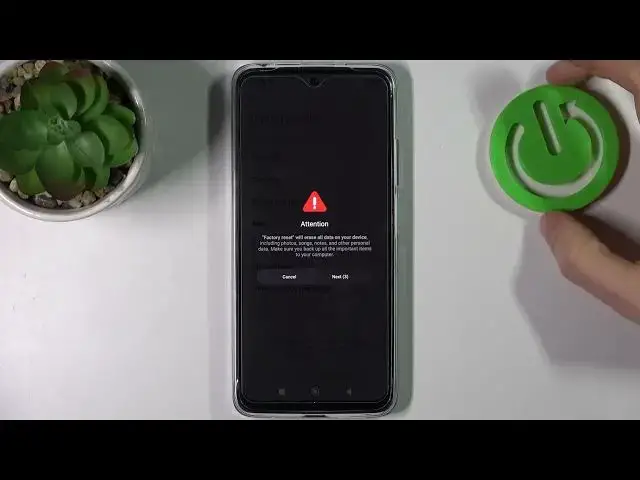

How to Reset All Settings on XIAOMI Redmi Note 11 - Factory Reset
Jul 3, 2024

Find out more info about XIAOMI Redmi Note 11:
https://www.hardreset.info/devices/xiaomi/xiaomi-redmi-note-11/
If you want to know how to reset all settings on XIAOMI Redmi Note 11, watch this tutorial. Our expert will show you how to enter the About Phone tab, and then how to go to Factory Reset. All backups stored on your XIAOMI device will be deleted permanently, so make back up important items, and data to your XIAOMI Cloud, Google One or to your computer before performing a factory reset. This process will erase all data, including photos, music, notes, and personal data.
How to reset all settings on XIAOMI Redmi Note 11? How to wipe all data on XIAOMI Redmi Note 11? How to run a factory reset on XIAOMI Redmi Note 11? How to reset all data on XIAOMI Redmi Note 11? How to remove all data from XIAOMI Redmi Note 11?
#HardReset #FactoryReset #XIAOMIRedmiNote 11
Follow us on Instagram ► https://www.instagram.com/hardreset.info
Like us on Facebook ► https://www.facebook.com/hardresetinfo/
Tweet us on Twitter ► https://twitter.com/HardResetI
Support us on TikTok ► https://www.tiktok.com/@hardreset.info
Use Reset Guides for many popular Apps ► https://www.hardreset.info/apps/apps/
Show More Show Less