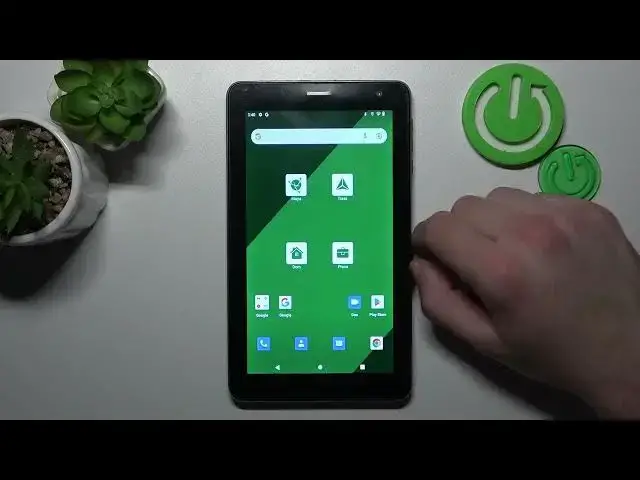

How to Remove & Restore Phone Icon from the Screen on NAVITEL T787 4G? - Manage Icons
Mar 18, 2024

Learn more about NAVITEL T787 4G
https://www.hardreset.info/devices/navitel/navitel-t757-lte/tutorials/
If you accidentally Remove Dialer Icons from your NAVITEL T787 4G Home Screen, we're here to help! Follow the instructions carefully, and you will be able to add a phone icon to your main screen without any problems. Let's also see how to remove it, so whatever you want to do, let's get started!
How to add the Phone application icon to NAVITEL T787 4G?
How to delete the Phone application shortcut from the home screen on NAVITEL T787 4G?
How to manage app icons on NAVITEL T787 4G?
How to move application icons between the app drawer and the home screen on NAVITEL T787 4G?
#ManageIcons #Icons #NAVITELT7874G
Follow us on Instagram ► https://www.instagram.com/hardreset.info
Like us on Facebook ► https://www.facebook.com/hardresetinfo/
Tweet us on Twitter ► https://twitter.com/HardResetI
Support us on TikTok ► https://www.tiktok.com/@hardreset.info
Use Reset Guides for many popular Apps ► https://www.hardreset.info/apps/apps/
Show More Show Less