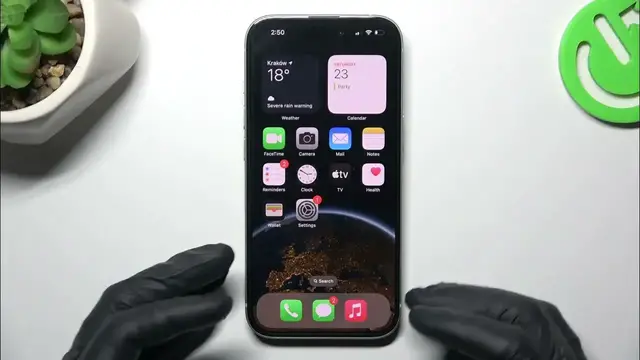

How to Remove Icon Notification Dots on iPhone 15 - App Icon Badges
Jan 19, 2024

Read more info about iPhone 15:
https://www.hardreset.info/devices/apple/apple-iphone-15/tutorials/
Greetings! You've come to the right place if you're eager to discover how to eliminate notification dots on icons on your iPhone 15. Our tutorial will walk you through the process of opening the notifications center and accessing the Badges section, giving you control over displaying or hiding badges for specific apps. We appreciate you tuning in and hope this tutorial aids in your notification dot management. To delve deeper into iPhone 15 features, explore our YouTube channel.
How to disable app icon badges on iPhone 15? How to remove notification dots from icons on iPhone 15? How to manage app icon badges on iPhone 15? #NotificationBadges #AppIconBadges #iPhone15
Follow us on Instagram ► https://www.instagram.com/hardreset.info
Like us on Facebook ► https://www.facebook.com/hardresetinfo/
Tweet us on Twitter ► https://twitter.com/HardResetI
Support us on TikTok ► https://www.tiktok.com/@hardreset.info
Use Reset Guides for many popular Apps ► https://www.hardreset.info/apps/apps/
Show More Show Less