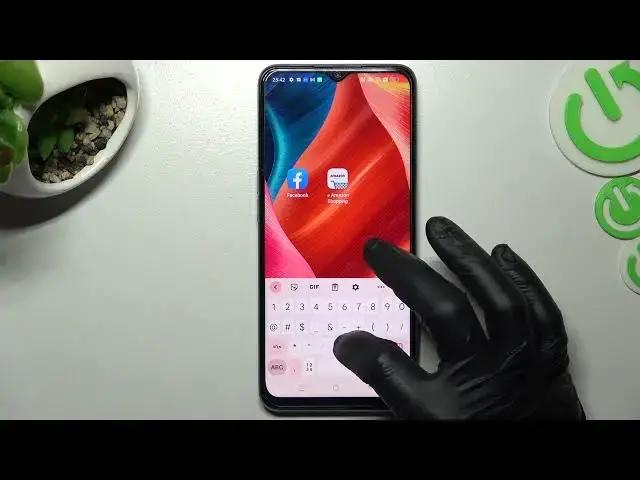

How to Rearrange Widgets and Adjust Icons on OPPO A57s
Jul 24, 2024

Find out more info about OPPO A57s:
https://www.hardreset.info/devices/oppo/oppo-a57s/tutorials/
Let's watch this tutorial if you need to make some changes on your home screen in OPPO A57s. Now, we would like to show you how to manage widgets, how to add new to the screen, how to place that widgets and change size. Next, we will show you create a folder on home screen and how to move apps to it. In the last part of that video, you'll find out how to adjust size and shape of icons.
How to rearrange widgets on OPPO A57s? How to add widget to home screen in OPPO A57s? How to manage widgets on OPPO A57s? How to resize widgets on OPPO A57s? How to add folder to home screen in OPPO A57s? How to rearrange icons on home screen in OPPO A57s? How to change icons style on OPPO A57s? How to change shape of icons in OPPO A57s? How to show apps name?
#RearrangeIcons #ManageWidgets #OPPOA57s
Follow us on Instagram ► https://www.instagram.com/hardreset.info
Like us on Facebook ► https://www.facebook.com/hardresetinfo/
Tweet us on Twitter ► https://twitter.com/HardResetI
Support us on TikTok ► https://www.tiktok.com/@hardreset.info
Use Reset Guides for many popular Apps ► https://www.hardreset.info/apps/apps/
Show More Show Less #Consumer Electronics
#Software
#Online Goodies
#Skins, Themes & Wallpapers