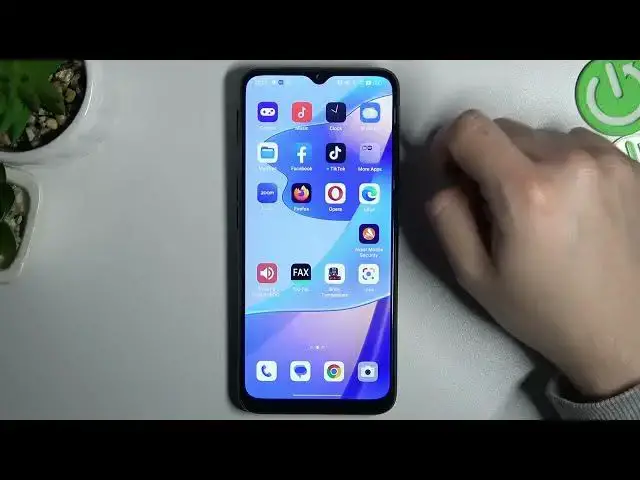

How to Rarrange Home Screen Settings on OPPO A16s? - Change Lock Screen
Mar 25, 2024

Learn more about OPPO A16s
https://www.hardreset.info/devices/oppo/oppo-a16s/
If you're looking for a way to change up the layout of your OPPO A16s home screen and lock screen, then you'll want to read this tutorial. In this tutorial, you will learn how you can easily change both your home screen and your lock screen to suit your needs. So by doing so, you will be able to personalize your OPPO A16s to the max. Let's follow all the steps shown to rearrange the lock screen and home screen.
How to customize the home screen in OPPO A16s?
How to customize the lock screen in OPPO A16s?
How to rearrange the home screen in OPPO A16s?
How to rearrange the lock screen in OPPO A16s?
#LockScreen #CustomizeLockScreen #OPPOA16s
Follow us on Instagram ► https://www.instagram.com/hardreset.info
Like us on Facebook ► https://www.facebook.com/hardresetinfo/
Tweet us on Twitter ► https://twitter.com/HardResetI
Support us on TikTok ► https://www.tiktok.com/@hardreset.info
Use Reset Guides for many popular Apps ► https://www.hardreset.info/apps/apps/
Show More Show Less #Mobile Apps & Add-Ons
#Skins, Themes & Wallpapers