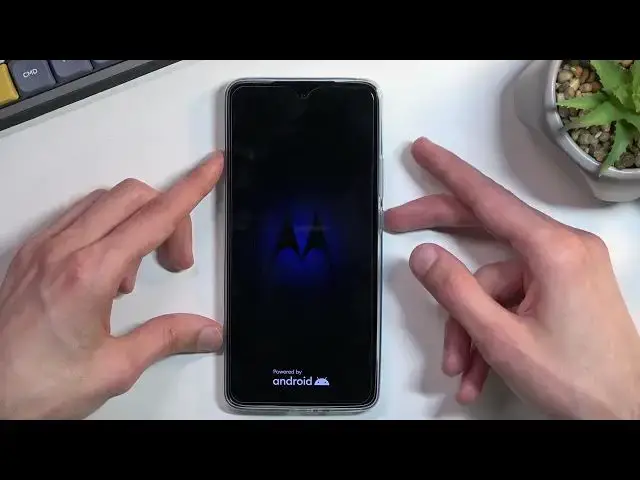

How to Put MOTOROLA Edge 30 into Fastboot Mode | Exit Motorola Fastboot
Jun 30, 2024

MOTOROLA Edge 30 Fastboot Mode:
https://www.hardreset.info/devices/motorola/motorola-edge-30/tutorials/
The Fastboot mode, once activated, allows you to write data directly into the flash memory of your MOTOROLA Edge 30 smartphone. Please note that in order for you to actually utilize this mode for writing the data into your device, your phone has to be connected to the PC via USB or Type-C wire. Thus, if you would like to learn how to enter a Fastboot mode on an MOTOROLA Edge 30 device, we are gladly inviting you to view this video tutorial. Kindly enjoy and thank you for watching!
How to enter Fastboot mode on MOTOROLA Edge 30? How to enable Fastboot mode on MOTOROLA Edge 30? How to turn on Fastboot mode on MOTOROLA Edge 30? How to boot into fastboot mode? How to exit fastboot mode in MOTOROLA Edge 30? How to quit fastboot mode in MOTOROLA Edge 30?
#MotorolaEdge30 #FastbootMode #MotorolaHiddenModes
Follow us on Instagram ► https://www.instagram.com/hardreset.info
Like us on Facebook ►https://www.facebook.com/hardresetinfo/
Tweet us on Twitter ► https://twitter.com/HardResetI
Support us on TikTok ► https://www.tiktok.com/@hardreset.info
Use Reset Guides for many popular Apps ► https://www.hardreset.info/apps/apps/
Show More Show Less