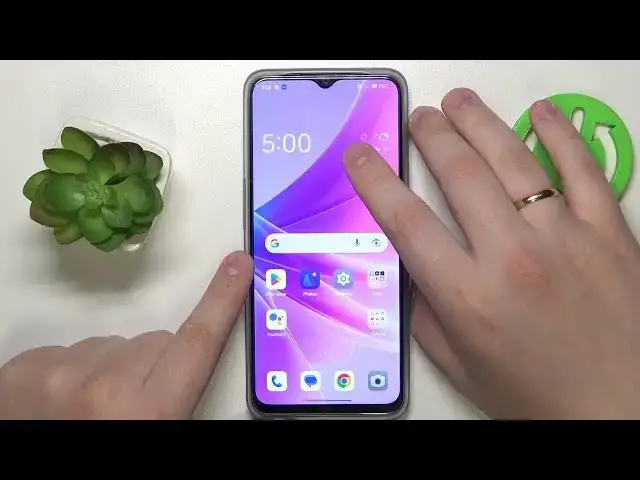

How to Protect Your Privacy on Oppo Phone - Learn How to Safeguard Your Private Photos!
Jul 31, 2024

More Oppo Phone and Devices Tips&Tricks: https://www.hardreset.info/devices/oppo/
Welcome to our channel, your ultimate source for all things Oppo! In this crucial video, we'll address the importance of protecting your privacy on your Oppo phone and provide you with essential tips to safeguard your private photos. If you're concerned about the security of your personal images or want to ensure that your private photos remain confidential, this tutorial is a must-watch for you.
In this comprehensive guide, we'll discuss the best practices and security measures to keep your private photos secure on your Oppo device. While it's essential to respect privacy boundaries, it's equally important to take proactive steps to protect your sensitive content. We'll provide you with valuable insights on how to prevent unauthorized access to your private photos and maintain control over your personal data.
Your privacy matters, and we'll guide you on how to utilize the built-in privacy features and settings on your Oppo phone effectively. We'll discuss methods to secure your photo gallery, enable app locks, and set up strong passwords or biometric authentication. By implementing these security measures, you can have peace of mind knowing that your private photos are protected from prying eyes.
Join us in this informative tutorial and unlock the knowledge to safeguard your privacy on your Oppo phone. Empower yourself with the tools and techniques to maintain control over your private photos, ensuring that they remain confidential and secure.
Don't miss out on this crucial tutorial that could potentially save you from privacy breaches. Hit the play button now and discover the key to protecting your private photos on your Oppo phone!
#PrivacyProtection #SecurePrivatePhotos #ConfidentialityOnOppo
How to protect my privacy on my Oppo phone and safeguard my private photos?
Can I secure my photo gallery on my Oppo device to prevent unauthorized access?
What are the best practices to ensure the confidentiality of my private photos on Oppo phones?
How can I enable app locks and set up strong passwords or biometric authentication on my Oppo phone?
Are there any additional privacy features or settings I can utilize to enhance the security of my private photos on Oppo?
Follow us on Instagram ► https://www.instagram.com/hardreset.info
Like us on Facebook ► https://www.facebook.com/hardresetinfo/
Tweet us on Twitter ► https://twitter.com/HardResetI
Support us on TikTok ► https://www.tiktok.com/@hardreset.info
Show More Show Less