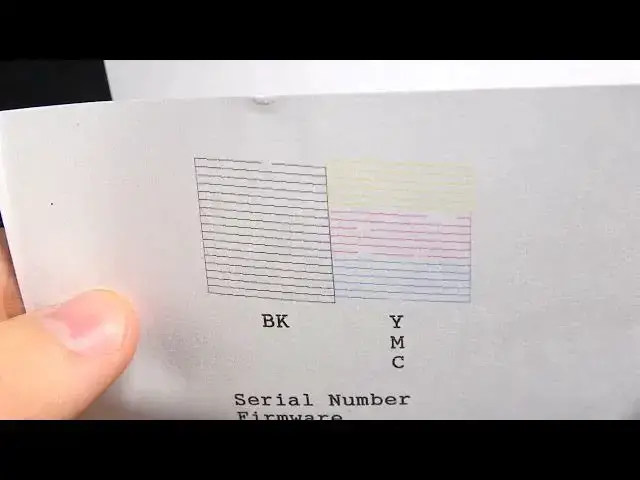

How to perform nozzle check on Epson L3160 (Epson L6270, L14150, L5290, L5190, L3260)
Mar 10, 2024

More info about your household devices you can find by following this web site: hardreset.info
This YouTube tutorial provides a step-by-step guide on how to do a nozzle check on an Epson L3160 printer. The video demonstrates accessing the maintenance menu, selecting the nozzle check option, and starting the test print. It explains how to inspect the printout for any gaps or missing lines which indicate clogged nozzles. Running periodic nozzle checks allows you to proactively maintain print quality by detecting any blockages early. Whether you are experiencing print issues or just want to check system health, performing an Epson L3160 nozzle check is easy preventative maintenance.
How to Do Nozzle Check on Epson L3160 Printer?
How to Run Nozzle Check on Epson L3160?
How to Test Printhead Health with Nozzle Check on L3160?
#epson #epsonl3160 #nozzlecheck
Follow us on Instagram ► https://www.instagram.com/hardreset.info
Like us on Facebook ► https://www.facebook.com/hardresetinfo/
Tweet us on Twitter ► https://twitter.com/HardResetI
Support us on TikTok ► https://www.tiktok.com/@hardreset.info
Use Reset Guides for many popular Apps ► https://www.hardreset.info/apps/apps/
Show More Show Less